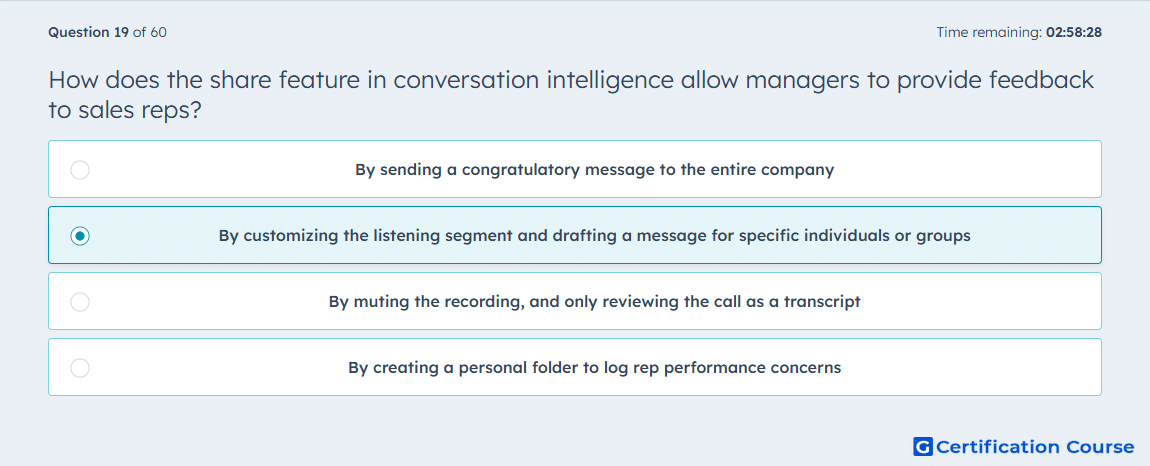
Question: How does the share feature in conversation intelligence allow managers to provide feedback to sales reps?
- By customizing the listening segment and drafting a message for specific individuals or groups
- By muting the recording, and only reviewing the call as a transcript
- By sending a congratulatory message to the entire company
- By creating a personal folder to log rep performance concerns
Explanation
The Share feature in HubSpot Conversation Intelligence enables managers to highlight specific segments of a call and provide targeted feedback. Managers can draft comments and share them directly with individual reps or teams. This ensures feedback is actionable and focused on relevant portions of the conversation. It integrates with the call recording and transcript to maintain context and clarity.
Why the other options are incorrect
By muting the recording, and only reviewing the call as a transcript does not allow direct feedback sharing.
By sending a congratulatory message to the entire company is not specific or actionable for individual coaching.
By creating a personal folder to log rep performance concerns does not deliver real-time, contextual feedback.
Source for verification
HubSpot Knowledge Base – Share calls and provide feedback
The answer(s) to the question is highlighted in the BOLD text above. You can also find more questions and answers related to the exams on the "HubSpot Sales Hub Software" page.