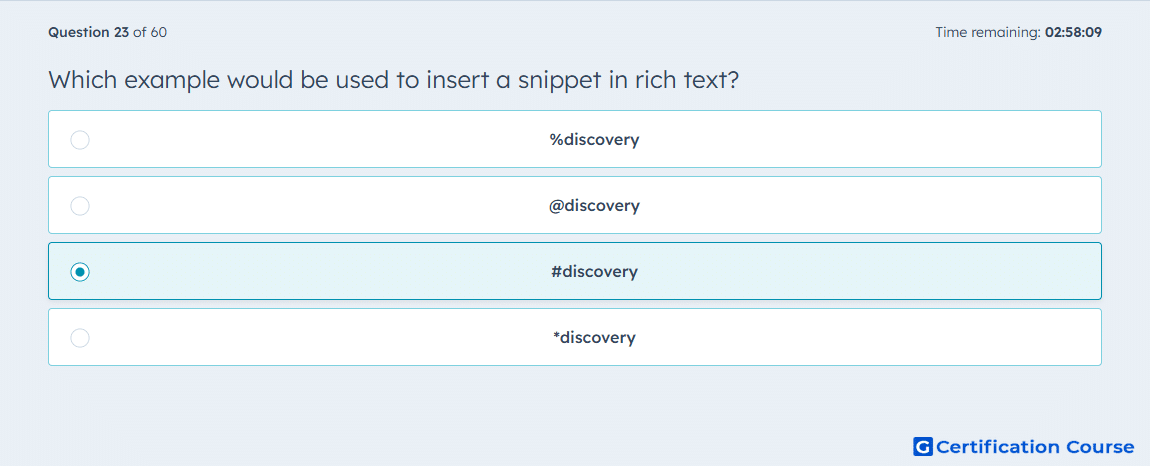
Question: Which example would be used to insert a snippet in rich text?
- %discovery
- @discovery
- #discovery
- *discovery
Explanation
In HubSpot, snippets are inserted into rich text fields using the # symbol followed by the snippet shortcut. Typing #discovery automatically brings up the corresponding pre-defined text block for insertion. This method ensures quick access to commonly used phrases or paragraphs during emails, notes, or call outlines. It maintains consistency while allowing personalization with HubSpot tokens.
Why the other options are incorrect
%discovery is not recognized as a snippet shortcut in HubSpot.
@discovery is used for mentions, not snippets.
*discovery does not trigger snippet insertion in the system.
Source for verification
HubSpot Knowledge Base – Use snippets in emails and notes
The answer(s) to the question is highlighted in the BOLD text above. You can also find more questions and answers related to the exams on the "HubSpot Sales Hub Software" page.