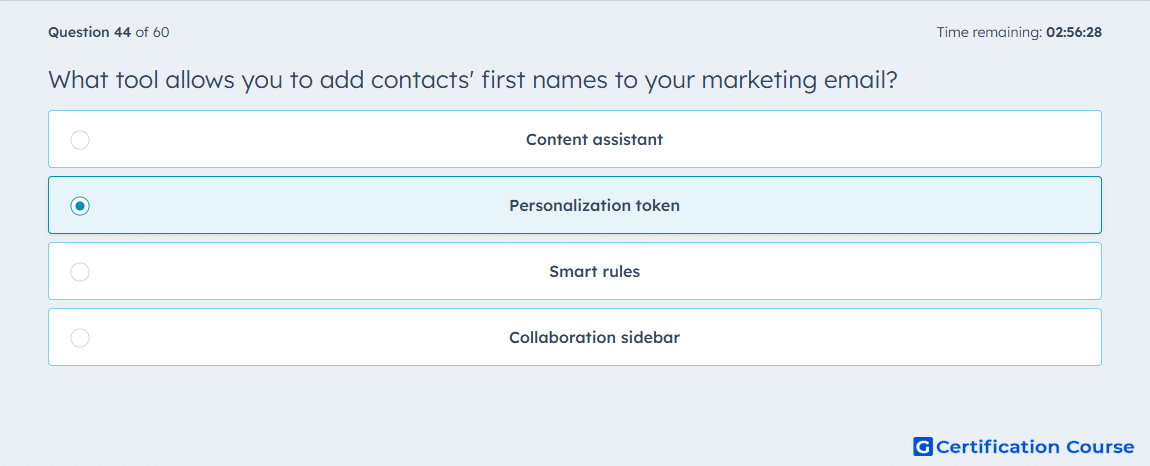
Question: What tool allows you to add contacts' first names to your marketing email?
- Content assistant
- Personalization token
- Smart rules
- Collaboration sidebar
Explanation
HubSpot uses personalization tokens to pull values from contact properties into a marketing email. A contact’s first name is stored as a contact property, so the email inserts that value dynamically for each recipient. This is the feature HubSpot provides specifically for personalizing greetings, subject lines, and other contact-specific content. That is why it is the correct tool for adding first names to an email. HubSpot Knowledge Base+1
Why the other options are incorrect
Content assistant This supports AI-generated writing help, not insertion of contact property values into an email. HubSpot Knowledge Base
Smart rules These change content based on viewer criteria, but they are not the feature used to insert an individual contact’s first name. HubSpot Knowledge Base
Collaboration sidebar This is for team collaboration in content editing, not for personalizing recipient data in email content. HubSpot Knowledge Base
Source for verification
https://knowledge.hubspot.com/marketing-email/use-personalization-tokens
https://knowledge.hubspot.com/marketing-email/create-and-send-marketing-emails
The answer(s) to the question is highlighted in the BOLD text above. You can also find more questions and answers related to the exams on the "HubSpot Marketing Hub Software Certification" page.