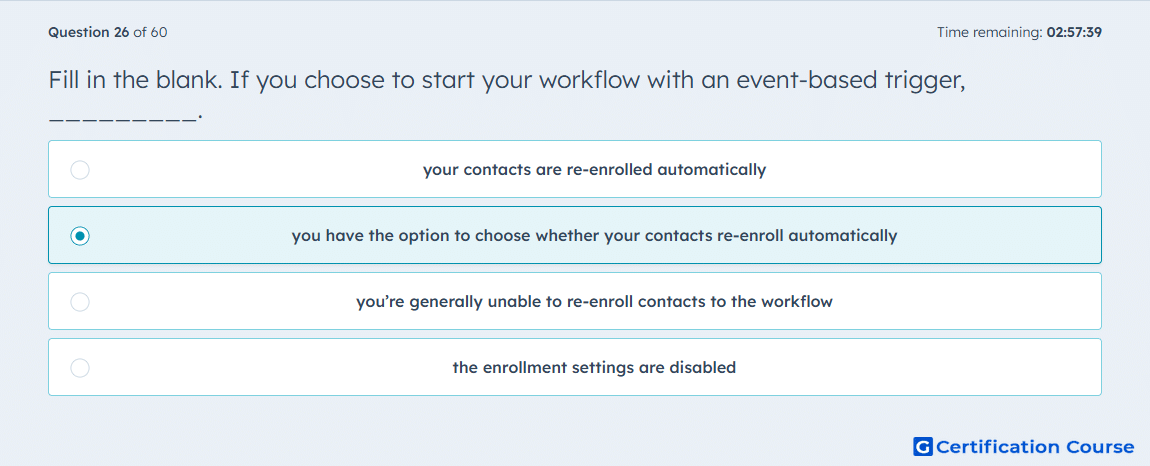
Question: Fill in the blank. If you choose to start your workflow with an event-based trigger, _________.
- your contacts are re-enrolled automatically
- you have the option to choose whether your contacts re-enroll automatically
- you’re generally unable to re-enroll contacts to the workflow
- the enrollment settings are disabled
Explanation
HubSpot event-based enrollment triggers enroll records when a defined event occurs. Re-enrollment is not forced automatically when this trigger type is selected. HubSpot provides a setting to decide whether records should re-enroll every time the event happens. This makes re-enrollment configurable as part of the workflow enrollment setup.
Why the other options are incorrect
Re-enrolled automatically is incorrect because re-enrollment must be enabled through the workflow setting.
Generally unable to re-enroll is incorrect because HubSpot supports re-enrollment for event-based triggers.
Enrollment settings are disabled is incorrect because enrollment and re-enrollment settings remain configurable.
Source for verification
https://knowledge.hubspot.com/workflows/set-event-enrollment-triggers
https://knowledge.hubspot.com/workflows/add-re-enrollment-triggers-to-a-workflow
The answer(s) to the question is highlighted in the BOLD text above. You can also find more questions and answers related to the exams on the "HubSpot Email Marketing Software" page.