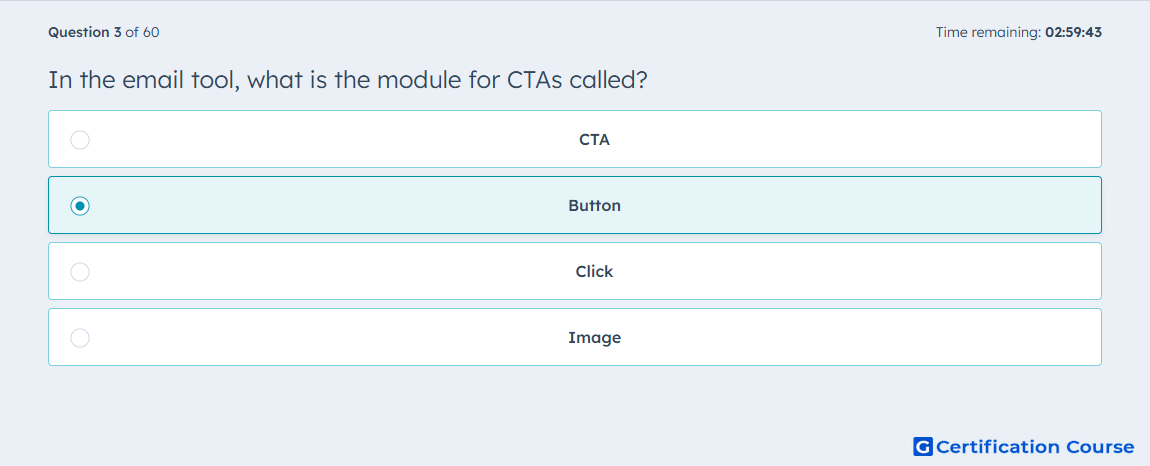
Question: In the email tool, what is the module for CTAs called?
- CTA
- Button
- Click
- Image
Explanation
In HubSpot’s drag-and-drop email editor, CTAs are added through the Button module. The module can be configured so its link type points to a CTA, which connects the button to an existing call-to-action. This naming matters because the email editor labels the draggable content block as Button, not as CTA. The CTA is the destination or linked asset selected after the module is added.
Why the other options are incorrect
CTA is the linked call-to-action asset, not the email editor module name.
Click is not a HubSpot email editor module used for CTAs.
Image is a separate content module and is not the standard CTA module.
Source for verification
https://knowledge.hubspot.com/ctas/add-a-call-to-action-cta-to-your-hubspot-content
https://knowledge.hubspot.com/marketing-email/edit-marketing-email-content-and-design
The answer(s) to the question is highlighted in the BOLD text above. You can also find more questions and answers related to the exams on the "HubSpot Email Marketing Software" page.