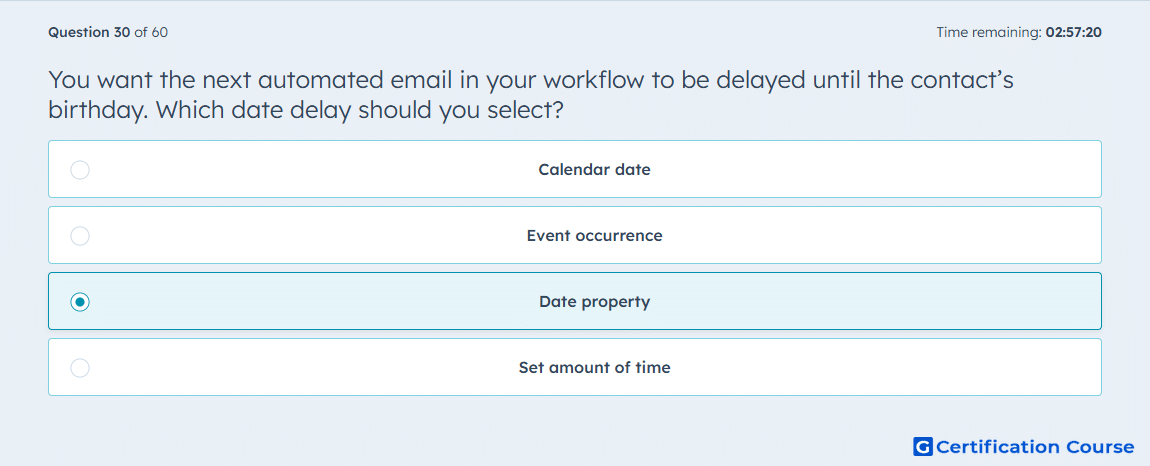
Question: You want the next automated email in your workflow to be delayed until the contact’s birthday. Which date delay should you select?
- Calendar date
- Event occurrence
- Date property
- Set amount of time
Explanation
A birthday is stored on the contact record as a date property. HubSpot workflow delays can pause enrolled contacts until the value in a selected date property is reached. This is designed for record-specific dates that differ from contact to contact. It allows the next automated email to send based on each contact’s own birthday value.
Why the other options are incorrect
Calendar date uses one fixed date for all enrolled contacts.
Event occurrence waits for a defined event to happen, not for a stored contact date.
Set amount of time delays for a fixed duration, not until a personalized date.
Source for verification
https://knowledge.hubspot.com/workflows/use-delays
The answer(s) to the question is highlighted in the BOLD text above. You can also find more questions and answers related to the exams on the "HubSpot Email Marketing Software" page.