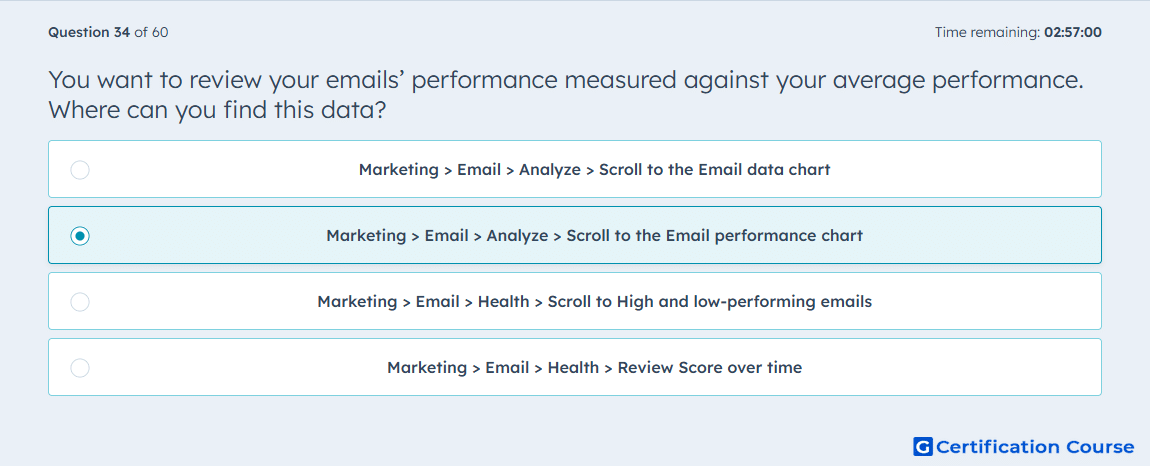
Question: You want to review your emails’ performance measured against your average performance. Where can you find this data?
- Marketing > Email > Analyze > Scroll to the Email data chart
- Marketing > Email > Analyze > Scroll to the Email performance chart
- Marketing > Email > Health > Scroll to High and low-performing emails
- Marketing > Email > Health > Review Score over time
Explanation
HubSpot uses the Email performance chart to compare individual marketing email results against account averages. This view helps evaluate whether specific sends performed above or below typical engagement levels. The data is part of the marketing email analysis area because it focuses on aggregate performance trends. It is separate from deliverability-focused reporting in Email health.
Why the other options are incorrect
Email data chart shows email volume and metric trends, not comparison against average performance.
High and low-performing emails appears in Email health and focuses on deliverability-related performance signals.
Score over time tracks Email health score changes, not individual email performance against averages.
Source for verification
https://knowledge.hubspot.com/marketing-email/analyze-your-marketing-email-campaign-performance
The answer(s) to the question is highlighted in the BOLD text above. You can also find more questions and answers related to the exams on the "HubSpot Email Marketing Software" page.