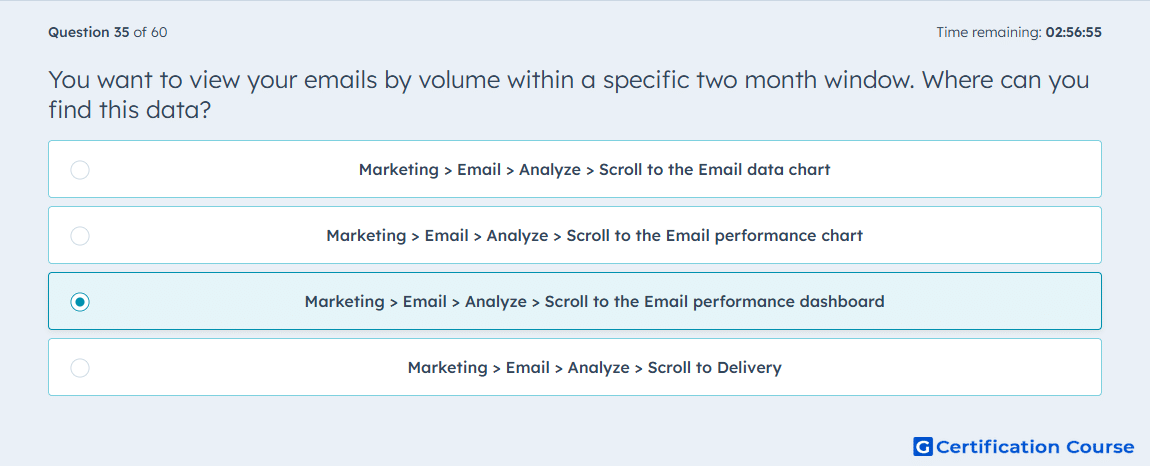
Question: You want to view your emails by volume within a specific two month window. Where can you find this data?
- Marketing > Email > Analyze > Scroll to the Email data chart
- Marketing > Email > Analyze > Scroll to the Email performance chart
- Marketing > Email > Analyze > Scroll to the Email performance dashboard
- Marketing > Email > Analyze > Scroll to Delivery
Explanation
HubSpot’s Email performance dashboard is used to review marketing emails by volume within a selected date range. A two-month window can be set with the date filters in the Analyze area. This dashboard organizes email results so volume can be reviewed across the chosen period. It supports broader performance review across multiple emails instead of focusing on a single send.
Why the other options are incorrect
Email data chart shows performance data trends, but it is not the dashboard view for reviewing emails by volume.
Email performance chart compares individual email performance against averages, not volume grouping.
Delivery focuses on delivery-related metrics, not viewing emails by volume.
Source for verification
https://knowledge.hubspot.com/marketing-email/analyze-your-marketing-email-campaign-performance
The answer(s) to the question is highlighted in the BOLD text above. You can also find more questions and answers related to the exams on the "HubSpot Email Marketing Software" page.