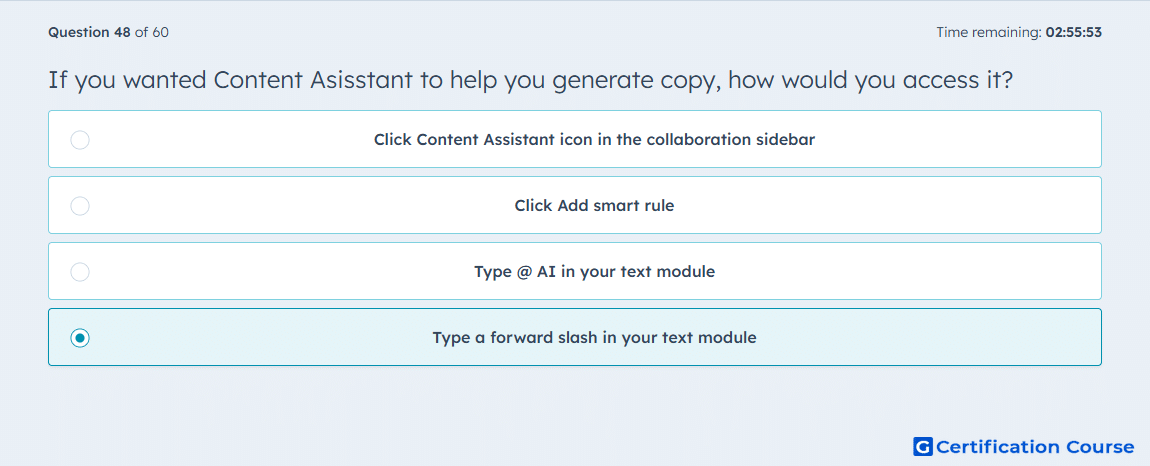
Question: If you wanted Content Asisstant to help you generate copy, how would you access it?
- Click Content Assistant icon in the collaboration sidebar
- Click Add smart rule
- Type @ AI in your text module
- Type a forward slash in your text module
Explanation
HubSpot’s Content Assistant is accessed from a rich text area in the email editor by typing a forward slash. The slash command opens AI-assisted writing options for generating or refining copy. This interaction happens inside the text module where the copy is being created. It is not accessed through smart content controls or the collaboration sidebar.
Why the other options are incorrect
Content Assistant icon is not the required access path in the collaboration sidebar.
Add smart rule is used for smart rules, not AI copy generation.
@ AI is not the HubSpot command used to open Content Assistant in a text module.
Source for verification
https://knowledge.hubspot.com/website-pages/generate-content-with-breeze
The answer(s) to the question is highlighted in the BOLD text above. You can also find more questions and answers related to the exams on the "HubSpot Email Marketing Software" page.