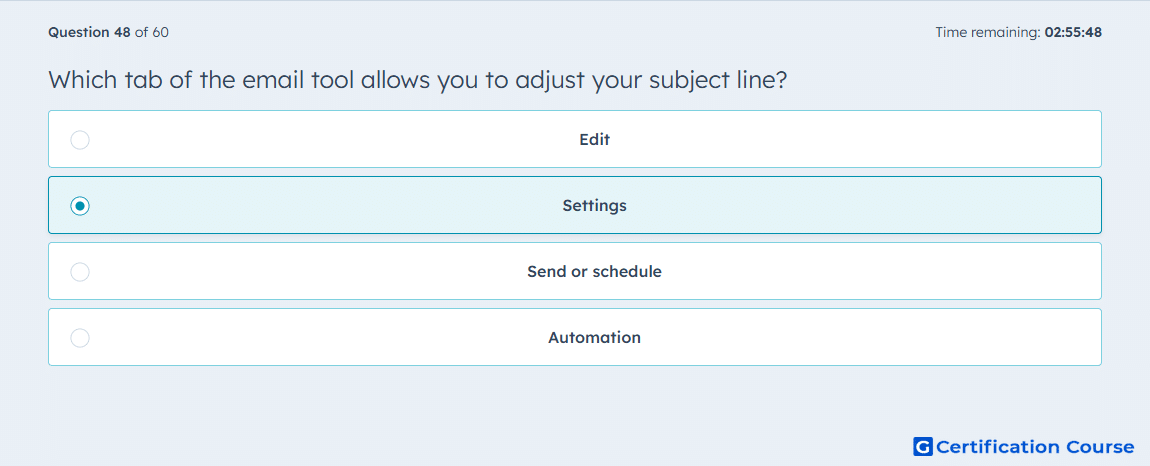
Question: Which tab of the email tool allows you to adjust your subject line?
- Edit
- Settings
- Send or schedule
- Automation
Explanation
HubSpot’s Settings tab contains core marketing email setup fields. The subject line is adjusted there along with other email configuration details. This separates inbox-facing information from the editable body content in the email editor. The subject line is part of email setup, not automation or send timing.
Why the other options are incorrect
Edit is used to build and format the email body, not adjust the subject line.
Send or schedule is used to choose recipients and delivery timing, not edit the subject line.
Automation is used for workflow-related settings, not the subject line.
Source for verification
https://knowledge.hubspot.com/marketing-email/edit-marketing-email-content-and-design
The answer(s) to the question is highlighted in the BOLD text above. You can also find more questions and answers related to the exams on the "HubSpot Email Marketing Software" page.