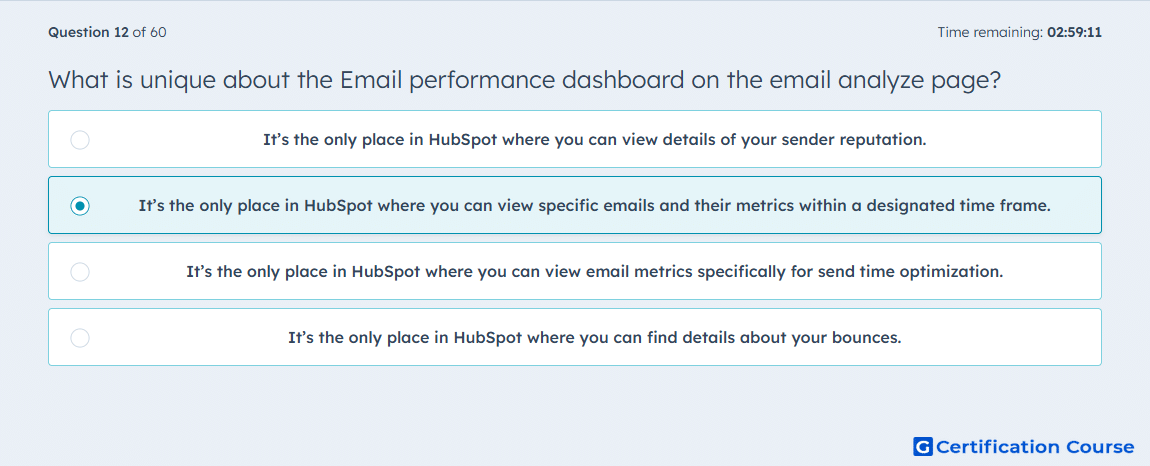
Question: What is unique about the Email performance dashboard on the email analyze page?
- It’s the only place in HubSpot where you can view details of your sender reputation.
- It’s the only place in HubSpot where you can view specific emails and their metrics within a designated time frame.
- It’s the only place in HubSpot where you can view email metrics specifically for send time optimization.
- It’s the only place in HubSpot where you can find details about your bounces.
Explanation
The Email performance dashboard on the Analyze page shows specific marketing emails and their metrics within the selected time frame. This makes it the HubSpot view for comparing individual email sends across a defined reporting period. It supports reviewing performance details across multiple emails without opening each post-send page separately. Sender reputation, send-time optimization, and bounce details are handled in other email reporting areas.
Why the other options are incorrect
Sender reputation is reviewed in Email health, not the Email performance dashboard.
Send time optimization requires a custom report using marketing email analytics, not the Email performance dashboard.
Bounces can be reviewed in email performance and post-send reporting, so they are not unique to this dashboard.
Source for verification
https://knowledge.hubspot.com/marketing-email/analyze-your-marketing-email-campaign-performance
The answer(s) to the question is highlighted in the BOLD text above. You can also find more questions and answers related to the exams on the "HubSpot Email Marketing Software" page.