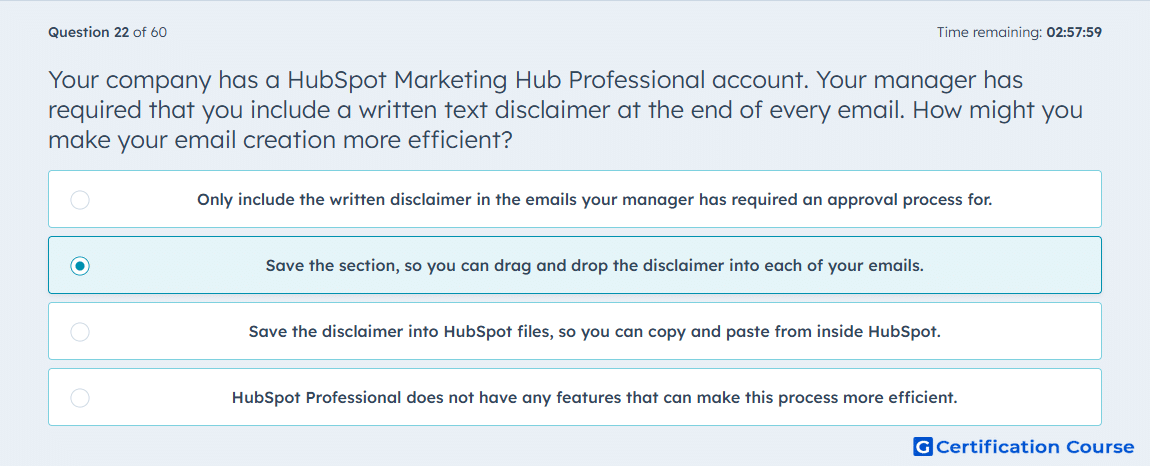
Question: Your company has a HubSpot Marketing Hub Professional account. Your manager has required that you include a written text disclaimer at the end of every email. How might you make your email creation more efficient?
- Only include the written disclaimer in the emails your manager has required an approval process for.
- Save the section, so you can drag and drop the disclaimer into each of your emails.
- Save the disclaimer into HubSpot files, so you can copy and paste from inside HubSpot.
- HubSpot Professional does not have any features that can make this process more efficient.
Explanation
HubSpot’s saved sections let reusable email content be stored and inserted into future marketing emails. A required disclaimer can be saved once as a section and then dragged into each email from the editor. This reduces repeated manual formatting and helps keep the disclaimer consistent across sends. Marketing Hub Professional supports this reusable section workflow in the drag-and-drop email editor.
Why the other options are incorrect
Approval-only disclaimer is incorrect because the requirement applies to every email, not only emails with approvals.
HubSpot files stores assets, but it does not provide the drag-and-drop reuse workflow for email disclaimer sections.
No efficiency features is incorrect because HubSpot supports saved sections for reusable email content.
Source for verification
https://knowledge.hubspot.com/marketing-email/edit-marketing-email-content-and-design
The answer(s) to the question is highlighted in the BOLD text above. You can also find more questions and answers related to the exams on the "HubSpot Email Marketing Software" page.