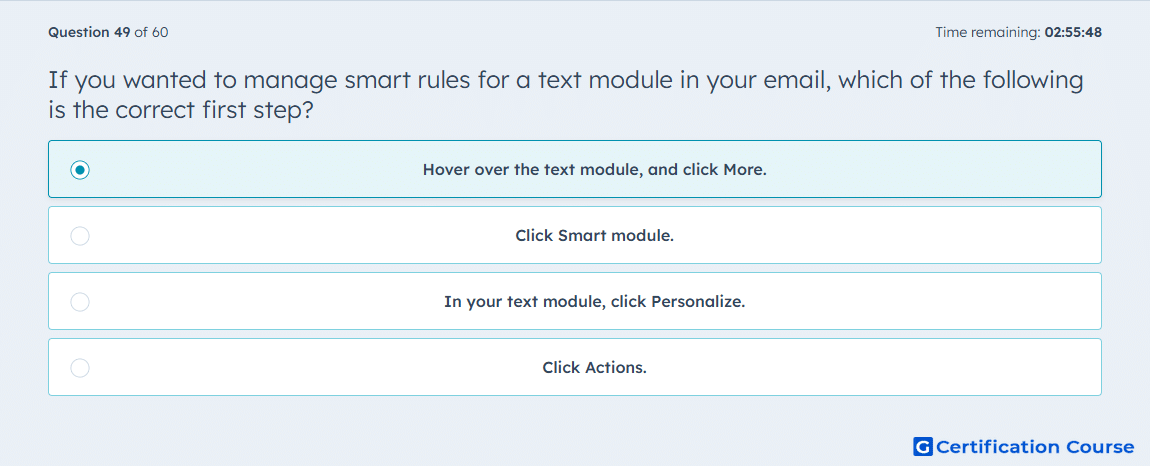
Question: If you wanted to manage smart rules for a text module in your email, which of the following is the correct first step?
- Hover over the text module, and click More.
- Click Smart module.
- In your text module, click Personalize.
- Click Actions.
Explanation
HubSpot manages module-level smart rules from the module’s More menu in the drag-and-drop email editor. For a text module, the first step is to hover over the module so the module controls appear. The More menu provides access to smart content options for that specific module. This keeps the rule tied to the selected email content block.
Why the other options are incorrect
Smart module is not the first control selected for managing a text module’s smart rules.
Personalize is used for personalization tokens, not for opening smart rule management.
Actions is not the first step for managing smart rules on a text module.
Source for verification
https://knowledge.hubspot.com/website-and-landing-pages/create-and-manage-smart-content-rules
The answer(s) to the question is highlighted in the BOLD text above. You can also find more questions and answers related to the exams on the "HubSpot Email Marketing Software" page.