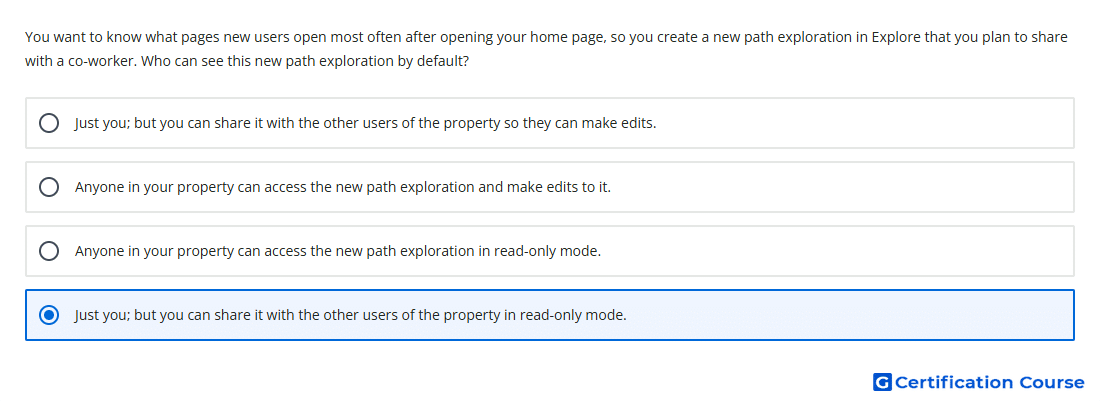
Question: You want to know what pages new users open most often after opening your home page, so you create a new path exploration in Explore that you plan to share with a co-worker. Who can see this new path exploration by default?
- Just you; but you can share it with the other users of the property in read-only mode.
- Just you; but you can share it with the other users of the property so they can make edits.
- Anyone in your property can access the new path exploration in read-only mode.
- Anyone in your property can access the new path exploration and make edits to it.
Explanation
Explorations are private by default in Google Analytics 4. Only the creator can view a newly created exploration unless it is shared. When shared, other users with access to the property can view it in read-only mode. To edit it, another user must duplicate the shared exploration and work from their own copy.
Why the other options are incorrect
Anyone in your property can access the new path exploration in read-only mode is incorrect because explorations are not visible to others by default.
Anyone in your property can access the new path exploration and make edits to it is incorrect because shared explorations are read-only for other users.
Share it so they can make edits is incorrect because other users must duplicate a shared exploration before editing.
Source for verification
https://support.google.com/analytics/answer/7579450
The answer(s) to the question is highlighted in the BOLD text above. You can also find more questions and answers related to the exams on the "Google Analytics Certification" page.