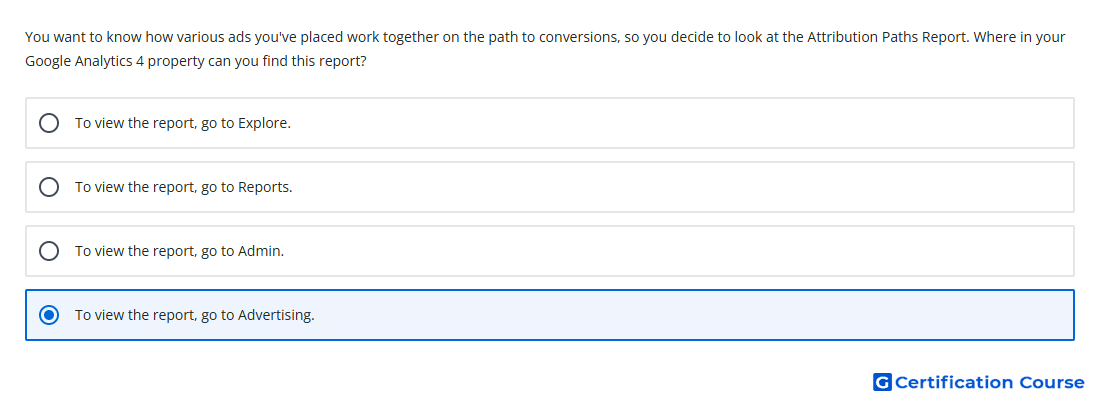
Question: You want to know how various ads you've placed work together on the path to conversions, so you decide to look at the Attribution Paths Report. Where in your Google Analytics 4 property can you find this report?
- To view the report, go to Advertising.
- To view the report, go to Explore.
- To view the report, go to Reports.
- To view the report, go to Admin.
Explanation
The Attribution paths report is found in the Advertising section of a Google Analytics 4 property. It shows the paths users take before triggering key events. This helps evaluate how channels, ads, clicks, and other touchpoints contribute before conversion activity occurs. The report is part of attribution reporting because it focuses on assigning value across the user journey.
Why the other options are incorrect
Admin is used for configuration settings, not attribution path reporting.
Explore supports custom analysis techniques, not the standard Attribution paths report location.
Reports contains standard lifecycle and user reports, but attribution path reporting is located under Advertising.
Source for verification
https://support.google.com/analytics/answer/10595568
https://support.google.com/analytics/answer/10596866
The answer(s) to the question is highlighted in the BOLD text above. You can also find more questions and answers related to the exams on the "Google Analytics Certification" page.