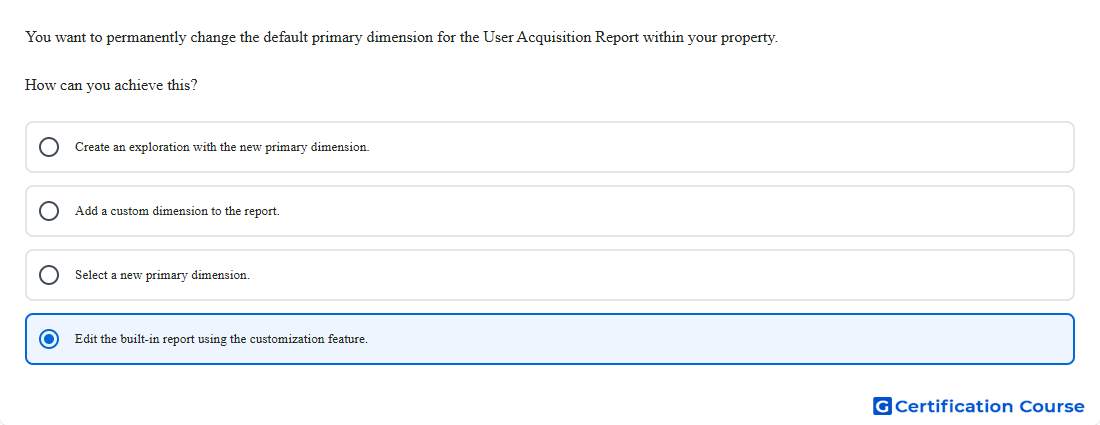
Question: You want to permanently change the default primary dimension for the User Acquisition Report within your property. How can you achieve this?
- Select a new primary dimension.
- Create an exploration with the new primary dimension.
- Edit the built-in report using the customization feature.
- Add a custom dimension to the report.
Explanation
Customize report is used to make lasting changes to a built-in detail report in Google Analytics. The primary dimension list can be managed from the report customization panel. Reordering dimensions changes which dimension appears as the default primary dimension for that report. This applies to the saved report configuration within the property.
Why the other options are incorrect
Exploration is incorrect because it creates a separate analysis and does not permanently change the built-in report.
Custom dimension is incorrect because adding a dimension does not set the report’s default primary dimension.
Select a new primary dimension is incorrect because changing it while viewing the report is temporary for analysis.
Source for verification
https://support.google.com/analytics/answer/13890355
https://support.google.com/analytics/answer/10445879
The answer(s) to the question is highlighted in the BOLD text above. You can also find more questions and answers related to the exams on the "Google Analytics Certification" page.