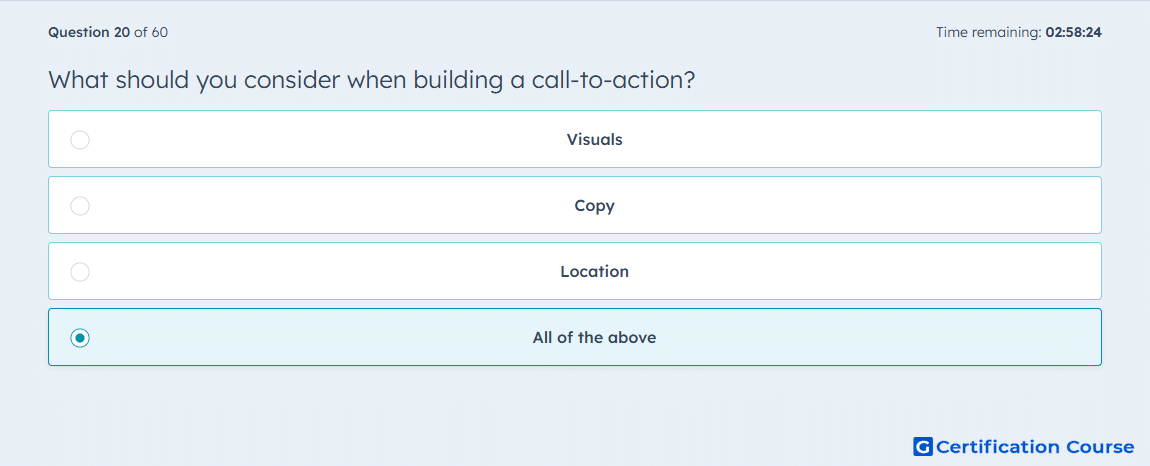
Question: What should you consider when building a call-to-action?
- Visuals
- Copy
- Location
- All of the above
Explanation
When building a call-to-action (CTA) in HubSpot, the design, message, and placement all affect performance. HubSpot’s CTA tool requires setup choices for the CTA’s appearance and destination behavior, which makes visuals and copy part of the build process. HubSpot also documents different ways to place CTAs across pages, emails, and external content, so location directly affects how and where the CTA is seen. Because a CTA must be designed, written, and placed intentionally, all three areas have to be considered together. HubSpot Knowledge Base+1
Why the other options are incorrect
Visuals This is only one part of a CTA, because HubSpot CTA setup also depends on the message and where the CTA is added. HubSpot Knowledge Base+1
Copy This is incomplete because the CTA still needs visual design and placement to function effectively. HubSpot Knowledge Base+1
Location Placement matters, but HubSpot CTA creation also includes design and destination text choices. HubSpot Knowledge Base+1
Source for verification
https://knowledge.hubspot.com/ctas/create-calls-to-action
https://knowledge.hubspot.com/ctas/add-ctas-to-your-pages
The answer(s) to the question is highlighted in the BOLD text above. You can also find more questions and answers related to the exams on the "HubSpot Marketing Hub Software Certification" page.