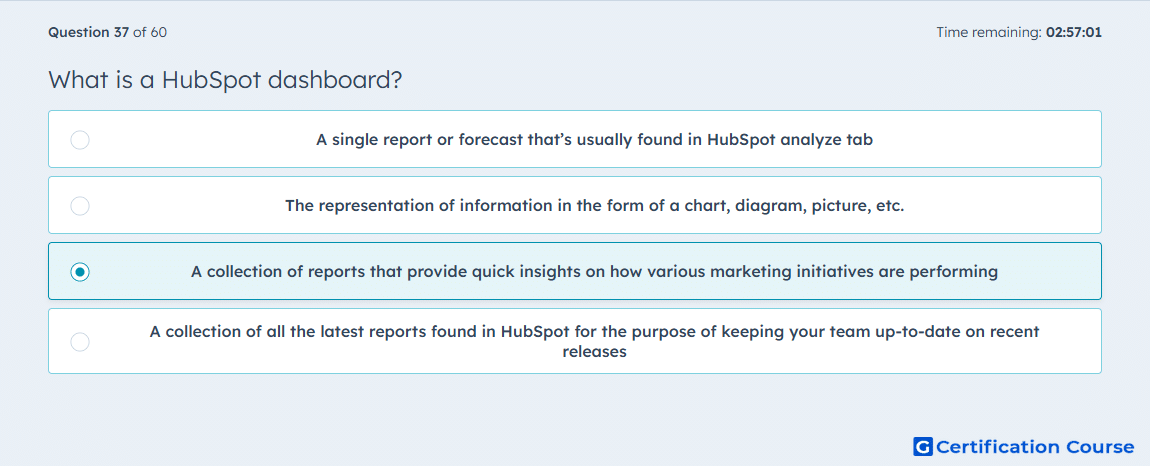
Question: What is a HubSpot dashboard?
- A single report or forecast that’s usually found in HubSpot analyze tab
- The representation of information in the form of a chart, diagram, picture, etc.
- A collection of reports that provide quick insights on how various marketing initiatives are performing
- A collection of all the latest reports found in HubSpot for the purpose of keeping your team up-to-date on recent releases
Explanation
In HubSpot, a dashboard is the workspace where multiple reports are gathered, organized, filtered, and reviewed together. HubSpot’s dashboard documentation explains that users can add reports to a dashboard, customize them there, and use that view to monitor performance in one place. A single chart or forecast is still just a report, not a dashboard. This is why the correct choice is the one that refers to the report-level workspace rather than an individual visualization or a release update feed. HubSpot Knowledge Base+1
Why the other options are incorrect
A) A dashboard is not one report; HubSpot treats reports as items that can be added to a dashboard. HubSpot Knowledge Base+1
B) This describes a visualization format, while a dashboard is the container that holds multiple reports. HubSpot Knowledge Base+1
D) HubSpot does not define dashboards as a place for product-release updates; they are used to manage and view reporting data. HubSpot Knowledge Base+1
Source for verification
https://knowledge.hubspot.com/dashboards/customize-your-dashboards
https://knowledge.hubspot.com/dashboards/manage-your-dashboards
The answer(s) to the question is highlighted in the BOLD text above. You can also find more questions and answers related to the exams on the "HubSpot Marketing Hub Software Certification" page.