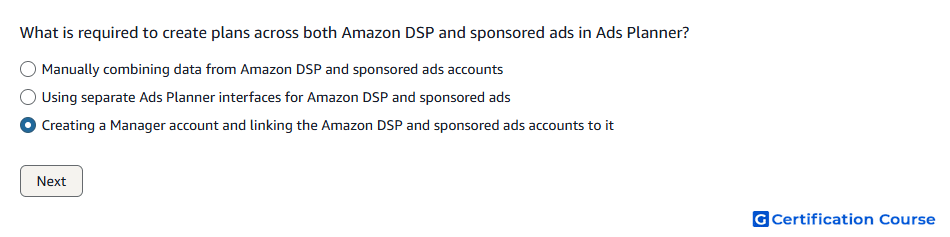
Question: What is required to create plans across both Amazon DSP and sponsored ads in Ads Planner?
- Manually combining data from Amazon DSP and sponsored ads accounts
- Using separate Ads Planner interfaces for Amazon DSP and sponsored ads
- Creating a Manager account and linking the Amazon DSP and sponsored ads accounts to it
Explanation
Ads Planner uses a Manager account structure to support planning across connected Amazon Ads accounts. Linking Amazon DSP and sponsored ads accounts enables unified planning across programmatic and sponsored ads products. This setup helps advertisers build plans that connect formats, audiences, inventory, and goals across both buying environments. Without linked accounts, planning remains fragmented across separate account structures.
Why the other options are incorrect
Manual combining is incorrect because Ads Planner is designed to support unified planning through linked account access.
Separate interfaces is incorrect because the requirement is centralized access through a Manager account, not separate planning interfaces.
Source for verification
https://advertising.amazon.com/help/GCE7SFM36F7D6U66
https://advertising.amazon.com/help/GU3YDB26FR7XT3C8
The answer(s) to the question is highlighted in the BOLD text above. You can also find more questions and answers related to the exams on the "Amazon Ads Campaign Planning Certification" page.