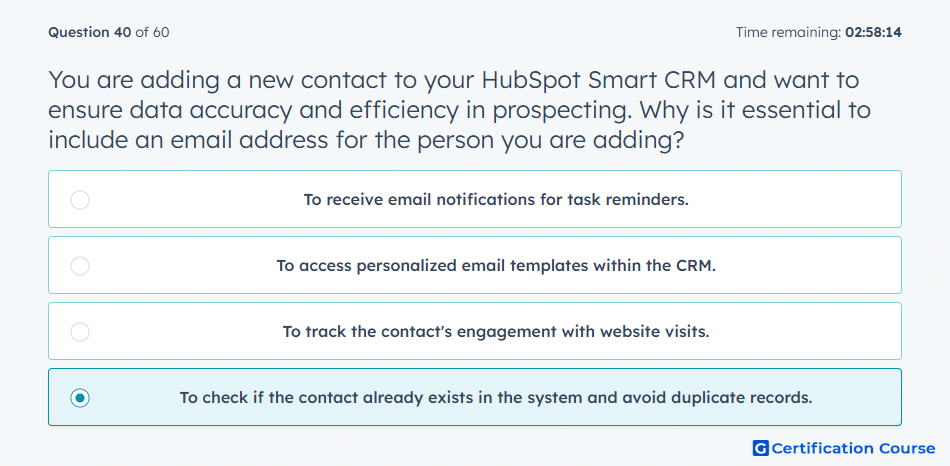
Question: You are adding a new contact to your HubSpot Smart CRM and want to ensure data accuracy and efficiency in prospecting. Why is it essential to include an email address for the person you are adding?
- To receive email notifications for task reminders.
- To access personalized email templates within the CRM.
- To track the contact's engagement with website visits.
- To check if the contact already exists in the system and avoid duplicate records.
Explanation
Including an email address when adding a new contact in HubSpot Smart CRM is essential to prevent duplicate records. HubSpot uses the email as a unique identifier to determine if the contact already exists in the system. This ensures data accuracy, maintains clean CRM records, and improves efficiency in prospecting and follow-up activities.
Why the other options are incorrect
To receive email notifications for task reminders: Notifications can be sent without using the email as a unique identifier.
To access personalized email templates within the CRM: Templates can be selected for any contact record, but uniqueness relies on the email.
To track the contact's engagement with website visits: Website tracking is tied to cookies or tracked interactions, not solely the presence of an email.
Source for verification
HubSpot Contacts Overview
The answer(s) to the question is highlighted in the BOLD text above. You can also find more questions and answers related to the exams on the "HubSpot Sales Hub Software" page.