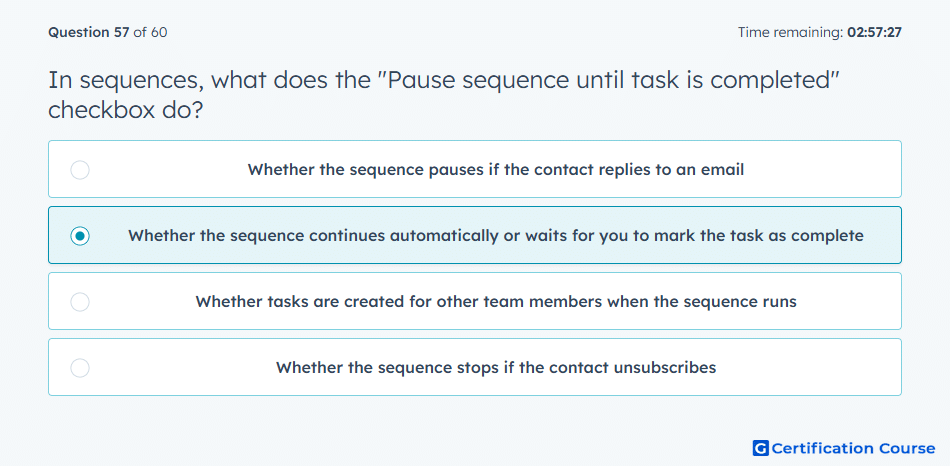
Question: In sequences, what does the "Pause sequence until task is completed" checkbox do?
- Whether the sequence pauses if the contact replies to an email
- Whether the sequence continues automatically or waits for you to mark the task as complete
- Whether tasks are created for other team members when the sequence runs
- Whether the sequence stops if the contact unsubscribes
Explanation
The “Pause sequence until task is completed” checkbox in HubSpot sequences determines whether the sequence waits for a user to mark a task as complete before proceeding to the next step. This ensures that required follow-up actions are performed before continuing outreach, maintaining workflow accuracy and proper contact engagement.
Why the other options are incorrect
Whether the sequence pauses if the contact replies to an email: This is handled automatically by the sequence reply detection, not this checkbox.
Whether tasks are created for other team members when the sequence runs: Task assignment is separate from pausing the sequence.
Whether the sequence stops if the contact unsubscribes: Unsubscribe handling occurs automatically, independent of this setting.
Source for verification
HubSpot Sequence Task Pause Settings
The answer(s) to the question is highlighted in the BOLD text above. You can also find more questions and answers related to the exams on the "HubSpot Sales Hub Software" page.