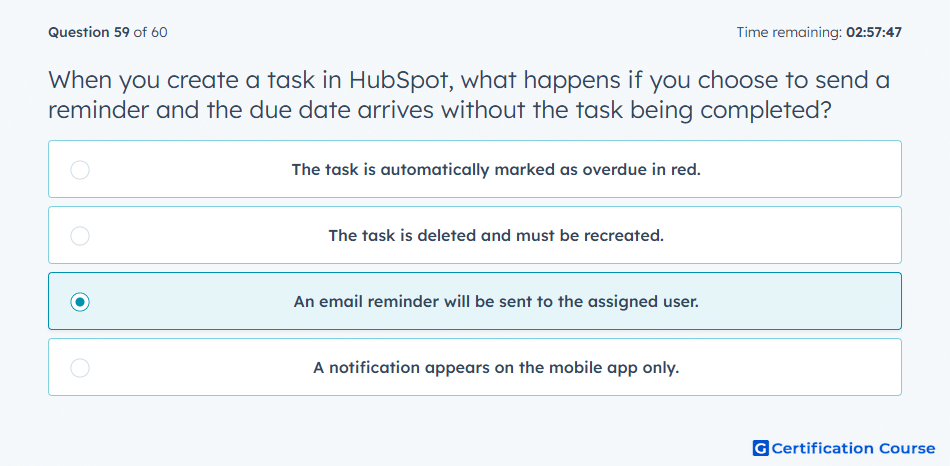
Question: When you create a task in HubSpot, what happens if you choose to send a reminder and the due date arrives without the task being completed?
- The task is automatically marked as overdue in red.
- The task is deleted and must be recreated.
- An email reminder will be sent to the assigned user.
- A notification appears on the mobile app only.
Explanation
When a task in HubSpot is set with a reminder, if the due date arrives without completion, an email reminder is sent to the assigned user. This ensures the task receives attention and helps maintain timely follow-ups. Reminders support accountability and workflow efficiency for sales and service teams.
Why the other options are incorrect
The task is automatically marked as overdue in red: Tasks visually indicate overdue status, but the reminder itself triggers an email notification.
The task is deleted and must be recreated: Tasks are not deleted automatically.
A notification appears on the mobile app only: Email reminders are sent regardless of mobile app usage.
Source for verification
The answer(s) to the question is highlighted in the BOLD text above. You can also find more questions and answers related to the exams on the "HubSpot Sales Hub Software" page.