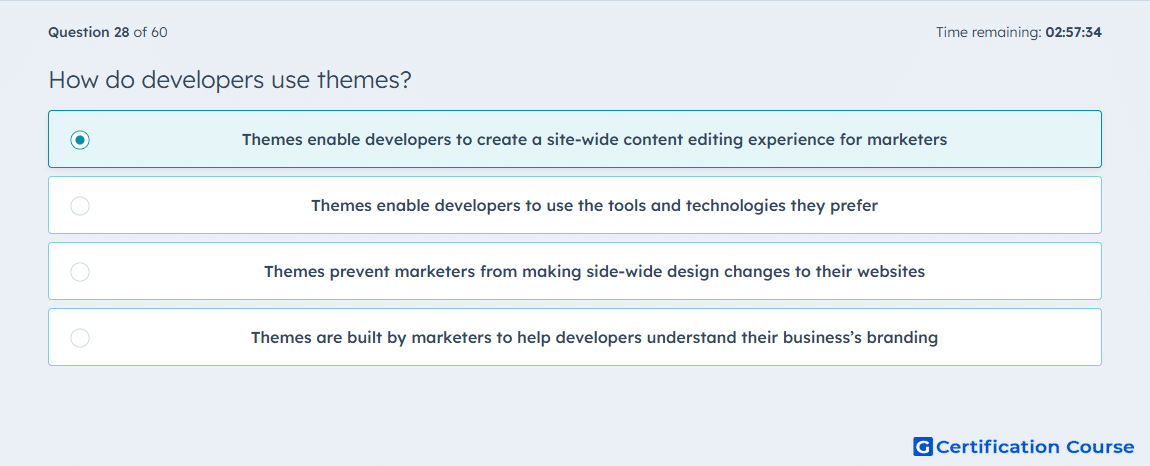
Question: How do developers use themes?
- Themes enable developers to create a site-wide content editing experience for marketers
- Themes enable developers to use the tools and technologies they prefer
- Themes prevent marketers from making side-wide design changes to their websites
- Themes are built by marketers to help developers understand their business’s branding
Explanation
A theme in HubSpot is a packaged set of developer assets that work together to create a flexible editing experience across a website. HubSpot states that developers define theme fields so content creators can control global website styles without editing CSS directly. The theme editor then exposes those settings across templates that belong to the theme, which enables site-wide control for marketers. That makes the developer’s role centered on building the framework that supports consistent editing across the website. HubSpot Developers+2HubSpot Developers+2
Why the other options are incorrect
B) This describes general development flexibility, but HubSpot defines themes by the site-wide editing experience they provide to content creators. HubSpot Developers+1
C) HubSpot themes are designed to allow controlled site-wide design changes through theme fields and the theme editor, not to block them. HubSpot Developers+1
D) HubSpot documents themes as developer-built assets for content editing and styling control, not as marketer-created documentation for developers. HubSpot Developers+1
Source for verification
HubSpot Developer Docs: Getting started with themes. HubSpot Developers
HubSpot Developer Docs: Theme overview. HubSpot Developers
The answer(s) to the question is highlighted in the BOLD text above. You can also find more questions and answers related to the exams on the "HubSpot Content Hub For Marketers" page.