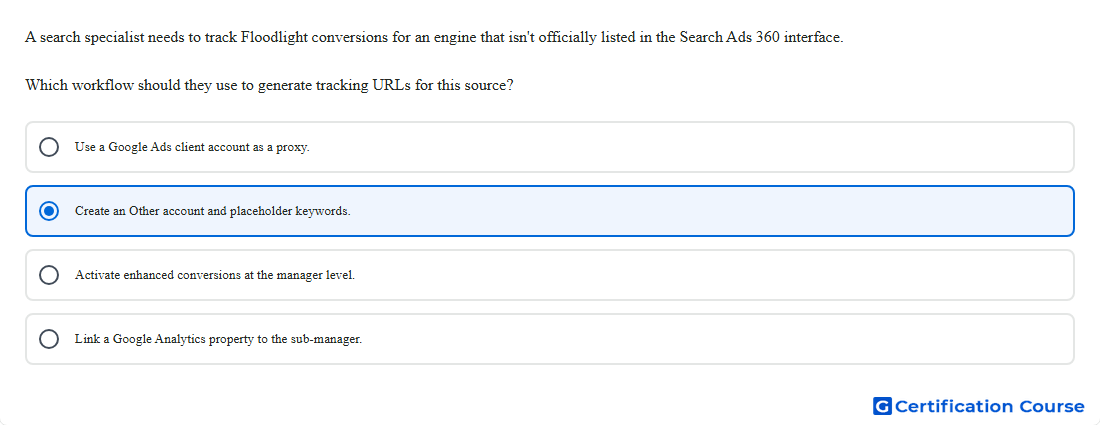
Question: A search specialist needs to track Floodlight conversions for an engine that isn't officially listed in the Search Ads 360 interface. Which workflow should they use to generate tracking URLs for this source?
- Use a Google Ads client account as a proxy.
- Create an Other account and placeholder keywords.
- Activate enhanced conversions at the manager level.
- Link a Google Analytics property to the sub-manager.
Explanation
For engines that are not supported directly, Search Ads 360 uses an Other engines client account with placeholder keywords so it can generate clickserver URLs for tracking. Google documents that this setup is the workflow used to track conversions on unsupported advertising platforms, including creating the account, adding placeholder keywords, and then copying the generated clickserver URLs for use on the external platform. Google Help+1 The placeholder keyword acts as the reporting object that receives visits and attributed Floodlight data after the click redirects through Search Ads 360. Google Help This is why the unsupported source must be represented through that account type rather than through a supported engine configuration. Google Help+1 Google now recommends engine track accounts for unsupported engines, but the documented placeholder-keyword workflow is still supported and is the one that generates tracking URLs in this context. Google Help+1
Why the other options are incorrect
Use a Google Ads client account as a proxy is incorrect because Google’s documented workflow for unsupported platforms is an Other engines account with placeholder keywords, not a proxy through a supported engine account. Google Help+1
Link a Google Analytics property to the sub-manager is incorrect because linking analytics does not create clickserver URLs for unsupported engines. Google Help
Activate enhanced conversions at the manager level is incorrect because enhanced conversions are a measurement feature and do not create placeholder-keyword tracking URLs for unsupported sources. Google Help+1
Source for verification
https://support.google.com/sa360/answer/13830510
https://support.google.com/sa360/answer/14318422
The answer(s) to the question is highlighted in the BOLD text above. You can also find more questions and answers related to the exams on the "Search Ads 360" page.