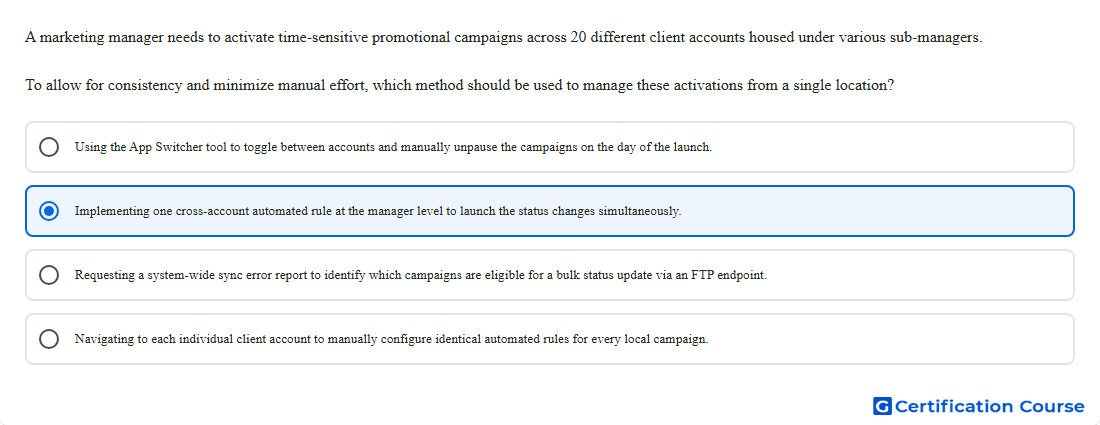
Question: A marketing manager needs to activate time-sensitive promotional campaigns across 20 different client accounts housed under various sub-managers. To allow for consistency and minimize manual effort, which method should be used to manage these activations from a single location?
- Using the App Switcher tool to toggle between accounts and manually unpause the campaigns on the day of the launch.
- Implementing one cross-account automated rule at the manager level to launch the status changes simultaneously.
- Requesting a system-wide sync error report to identify which campaigns are eligible for a bulk status update via an FTP endpoint.
- Navigating to each individual client account to manually configure identical automated rules for every local campaign.
Explanation
Automated rules can change campaign status on a scheduled basis in Search Ads 360. A manager-owned rule can run across accounts under that manager, including accounts under different sub-managers. This supports consistent activation timing from one rule instead of separate manual changes in each client account. The rule owner determines the scope where the rule can run and which accounts it can affect.
Why the other options are incorrect
Sync error report is incorrect because sync reporting identifies synchronization issues, not scheduled promotional status changes.
App Switcher is incorrect because it only helps navigate between products and does not automate campaign activation.
Local automated rules are inefficient because identical rules would need to be maintained separately in each client account.
Source for verification
https://support.google.com/sa360/answer/9545639
https://support.google.com/sa360/answer/9517977
The answer(s) to the question is highlighted in the BOLD text above. You can also find more questions and answers related to the exams on the "Search Ads 360" page.