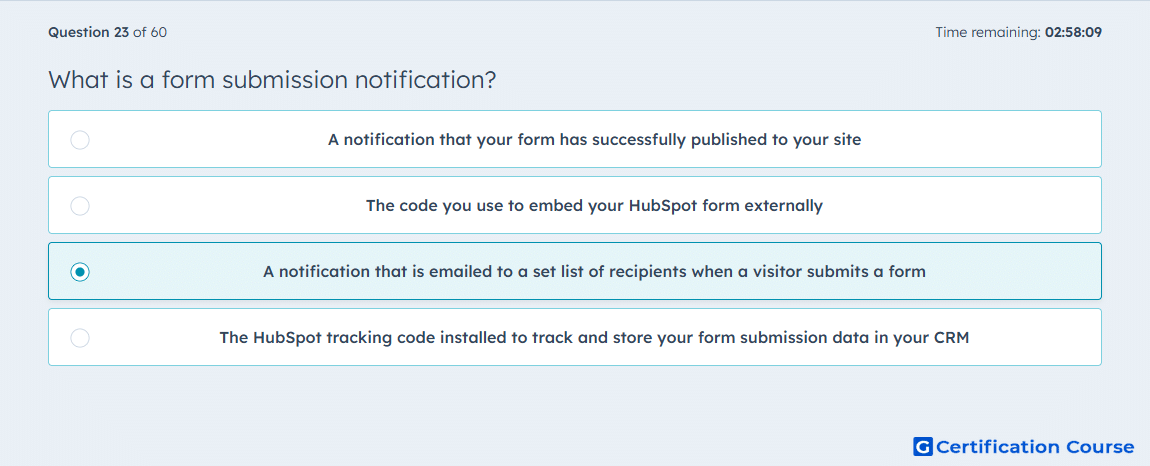
Question: What is a form submission notification?
- A notification that your form has successfully published to your site
- The code you use to embed your HubSpot form externally
- A notification that is emailed to a set list of recipients when a visitor submits a form
- The HubSpot tracking code installed to track and store your form submission data in your CRM
Explanation
A form submission notification in HubSpot is an internal alert sent after a visitor submits a form. HubSpot lets users configure these notifications in the form’s Options tab by choosing specific HubSpot users or teams to receive them. This feature is used to alert recipients about new submissions, not to publish the form, embed it, or install tracking. The notification is tied to form activity and recipient settings inside the form configuration. HubSpot Knowledge Base+1
Why the other options are incorrect
A) Publishing a form makes it available for use, but a submission notification is sent only when someone actually submits the form. HubSpot Knowledge Base
B) The embed code is used to place a HubSpot form on an external page, not to notify internal recipients about a submission. HubSpot Knowledge Base
D) The HubSpot tracking code tracks visitor activity and supports analytics, but it is separate from the email alert configured for form submissions. HubSpot Knowledge Base+1
Source for verification
https://knowledge.hubspot.com/forms/set-up-your-form-submission-notifications
https://knowledge.hubspot.com/forms/create-and-edit-forms
The answer(s) to the question is highlighted in the BOLD text above. You can also find more questions and answers related to the exams on the "HubSpot Marketing Hub Software Certification" page.