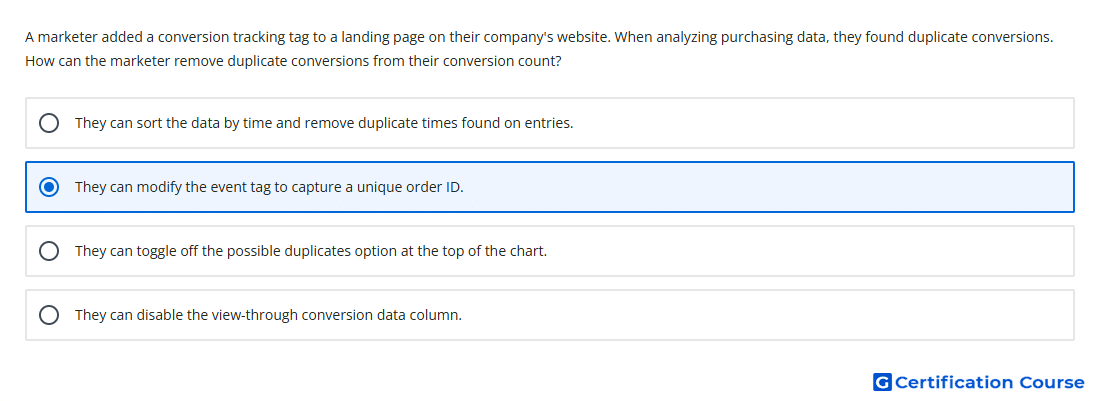
Question: A marketer added a conversion tracking tag to a landing page on their company's website. When analyzing purchasing data, they found duplicate conversions. How can the marketer remove duplicate conversions from their conversion count?
- They can sort the data by time and remove duplicate times found on entries.
- They can toggle off the possible duplicates option at the top of the chart.
- They can modify the event tag to capture a unique order ID.
- They can disable the view-through conversion data column.
Explanation
A unique transaction ID helps Google Ads identify when the same purchase is reported more than once. When the conversion tag sends the same order identifier for duplicate purchase events, Google Ads can count only one conversion for that order. This is especially important for purchase actions where confirmation pages may reload or fire tags multiple times. Using a unique order value improves conversion accuracy and prevents inflated reporting.
Why the other options are incorrect
Possible duplicates is not the standard Google Ads control for removing duplicate purchase conversions.
Duplicate times is unreliable because separate conversions can occur at the same time.
View-through conversion data affects a reporting column and does not remove duplicate purchase conversions.
Source for verification
https://support.google.com/google-ads/answer/6386790
https://support.google.com/google-ads/answer/10221745
The answer(s) to the question is highlighted in the BOLD text above. You can also find more questions and answers related to the exams on the "Google Ads - Measurement Certification" page.