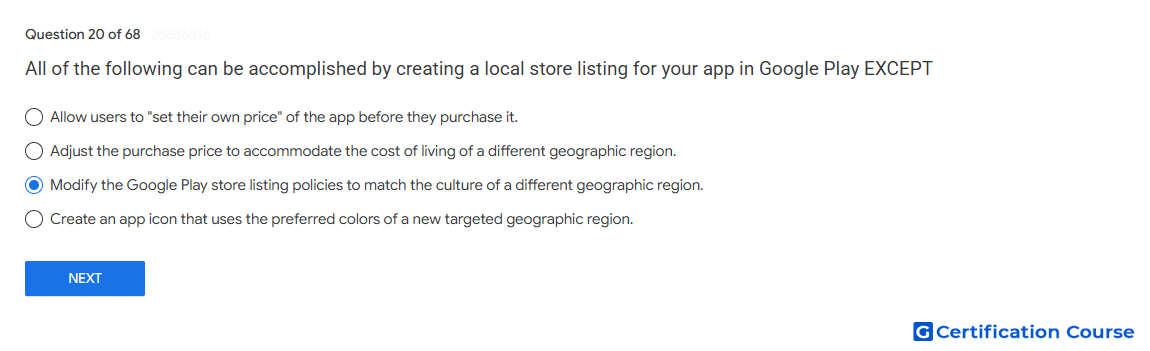
Question: All of the following can be accomplished by creating a local store listing for your app in Google Play EXCEPT
- Modify the Google Play store listing policies to match the culture of a different geographic region.
- Allow users to "set their own price" of the app before they purchase it.
- Adjust the purchase price to accommodate the cost of living of a different geographic region.
- Create an app icon that uses the preferred colors of a new targeted geographic region.
Explanation
A custom store listing can adapt store listing assets for selected countries, regions, or other user segments. It does not change Google Play policy requirements, because store listing content must remain compliant in every region. Cultural localization may affect text, imagery, and positioning, but policy standards remain the same. Google Play policy is enforced at the platform level and cannot be modified through listing configuration.
Why the other options are incorrect
Set their own price Local pricing is managed through Play Console pricing settings, so it is not the policy-related exception.
Adjust the purchase price Country or region pricing can be configured through Play Console outside the listing text.
Preferred colors A custom store listing can use localized graphics, including app icon assets for targeted regions.
Source for verification
https://support.google.com/googleplay/android-developer/answer/9867158
https://support.google.com/googleplay/android-developer/answer/6334373
The answer(s) to the question is highlighted in the BOLD text above. You can also find more questions and answers related to the exams on the "Google Play Store Listing" page.