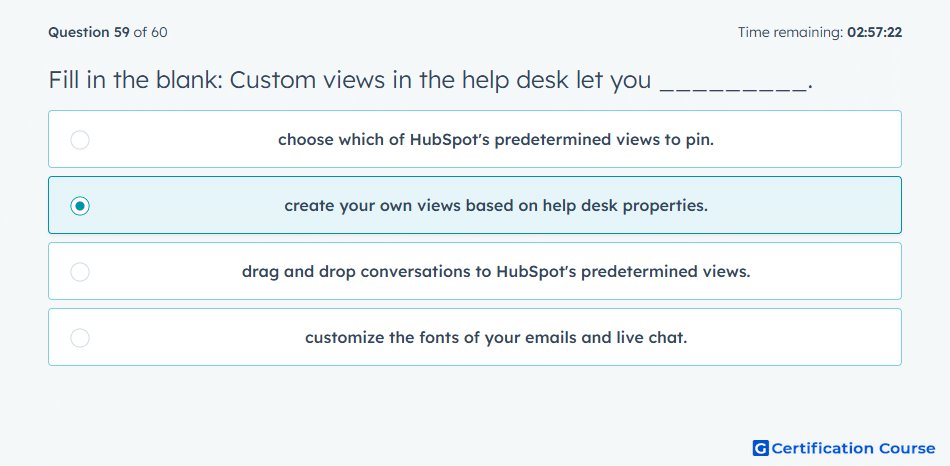
Question: Fill in the blank: Custom views in the help desk let you _________.
- choose which of HubSpot's predetermined views to pin.
- create your own views based on help desk properties.
- drag and drop conversations to HubSpot's predetermined views.
- customize the fonts of your emails and live chat.
Explanation
Custom views in the HubSpot Service Hub help desk allow users to create personalized ticket views based on properties such as status, priority, or owner. This enables agents to focus on specific subsets of tickets and manage workflows efficiently. Custom views improve ticket organization and streamline support operations.
Why the other options are incorrect
Choose which of HubSpot's predetermined views to pin: Pinning is not the same as creating a custom view.
Drag and drop conversations to HubSpot's predetermined views: Custom views are defined by filters, not manual placement.
Customize the fonts of your emails and live chat: Font customization does not relate to ticket views.
Source for verification
HubSpot Ticket Views Overview
The answer(s) to the question is highlighted in the BOLD text above. You can also find more questions and answers related to the exams on the "HubSpot Service Hub Software Certification" page.