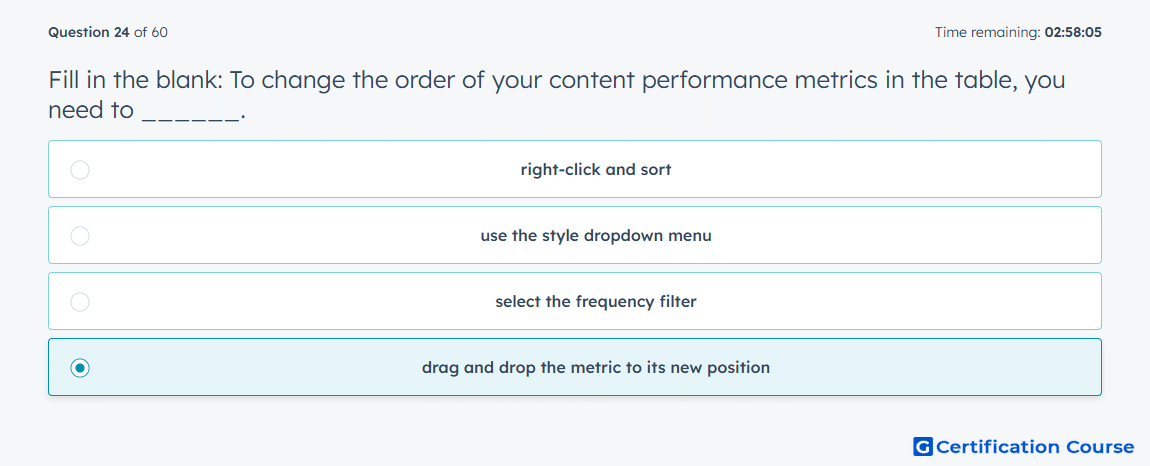
Question: Fill in the blank: To change the order of your content performance metrics in the table, you need to ______.
- right-click and sort
- use the style dropdown menu
- select the frequency filter
- drag and drop the metric to its new position
Explanation
Metric order controls how data appears in a performance table, so repositioning is handled directly in the table layout. In Amazon Ads reporting workflows, metrics define the performance values included in a report. Moving a metric to a new position changes the table view without changing the underlying performance data. Sorting and frequency controls affect interpretation or grouping, not the visual order of selected metrics.
Why the other options are incorrect
Right-click and sort is incorrect because sorting changes row order, not metric placement.
Style dropdown menu is incorrect because style settings control presentation, not metric order.
Frequency filter is incorrect because frequency changes reporting aggregation, not metric placement.
Source for verification
https://advertising.amazon.com/API/docs/en-us/guides/reporting/dsp/get-started
https://advertising.amazon.com/API/docs/en-us/guides/reporting/dsp/metrics
The answer(s) to the question is highlighted in the BOLD text above. You can also find more questions and answers related to the exams on the "HubSpot Content Hub Software Certification" page.