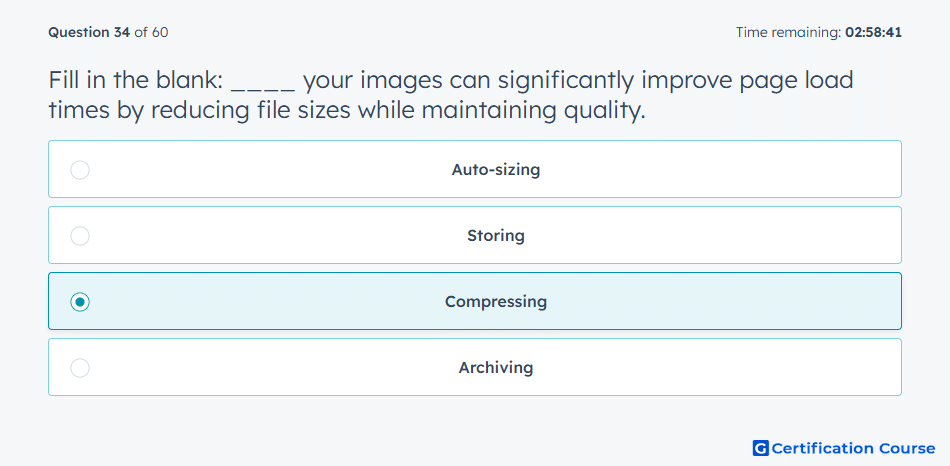
Question: Fill in the blank: ____ your images can significantly improve page load times by reducing file sizes while maintaining quality.
- Auto-sizing
- Storing
- Compressing
- Archiving
Explanation
Reducing image file size improves page load time because fewer bytes need to load when someone visits a page. HubSpot recommends resizing large image files before uploading them to support better page performance. Keeping image quality while lowering file size helps preserve the visual experience without slowing the page. Faster-loading visuals also improve usability, especially for visitors on mobile devices.
Why the other options are incorrect
Auto-sizing changes display dimensions but does not necessarily reduce file size.
Storing keeps files available but does not optimize performance.
Archiving removes or stores old files but does not improve active page speed.
Source for verification
https://knowledge.hubspot.com/website-pages/optimize-your-page-load-time
The answer(s) to the question is highlighted in the BOLD text above. You can also find more questions and answers related to the exams on the "HubSpot Digital Marketing Course" page.