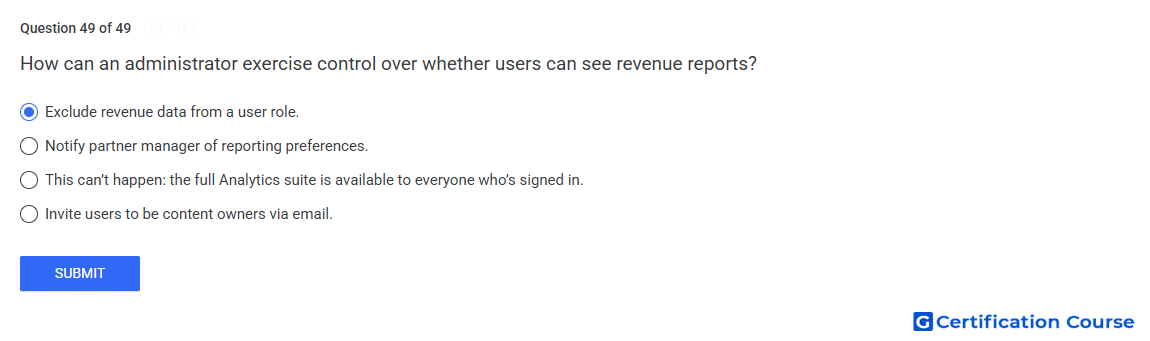
Question: How can an administrator exercise control over whether users can see revenue reports?
- Notify partner manager of reporting preferences
- This can’t happen: the full Analytics suite is available to everyone who’s signed in.
- Invite users to be content owners via email.
- Exclude revenue data from a user role.
Explanation
Access to revenue reporting is controlled through user roles in Studio Content Manager. An administrator can adjust a role so revenue information is not visible to users assigned to that role. This protects sensitive financial data while still allowing access to other content management functions. Role-based permissions are the correct mechanism for controlling visibility of revenue reports.
Why the other options are incorrect
Partner manager notification does not directly configure report access inside Studio Content Manager.
Full Analytics access is incorrect because access can be limited by assigned permissions.
Email invitation grants access only according to the role assigned, not automatic access to revenue data.
Source for verification
https://support.google.com/youtube/answer/6301087
https://support.google.com/youtube/answer/9718397
The answer(s) to the question is highlighted in the BOLD text above. You can also find more questions and answers related to the exams on the "YouTube Content Ownership" page.