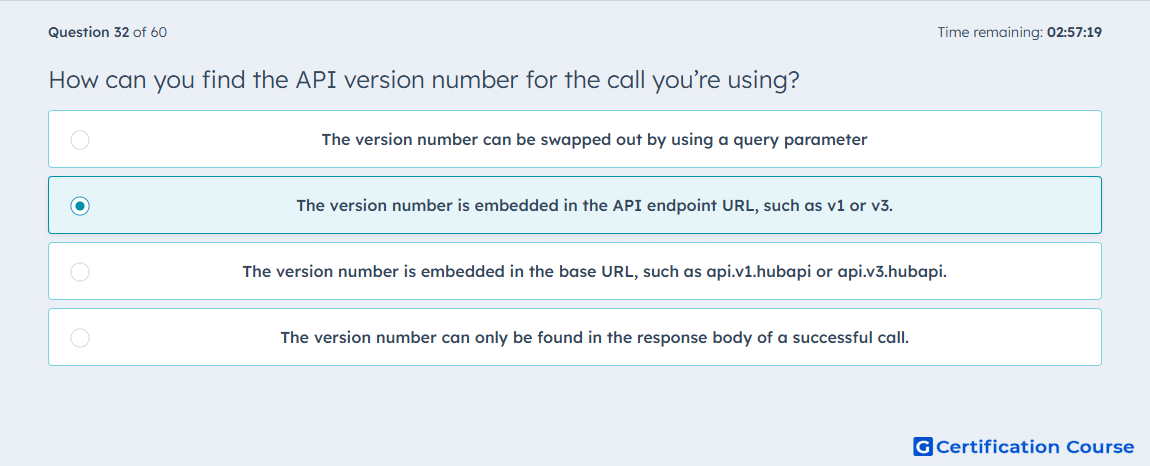
Question: How can you find the API version number for the call you’re using?
- The version number can be swapped out by using a query parameter
- The version number is embedded in the API endpoint URL, such as v1 or v3.
- The version number is embedded in the base URL, such as api.v1.hubapi or api.v3.hubapi.
- The version number can only be found in the response body of a successful call.
Explanation
API versioning is commonly shown in the endpoint path so developers can identify which version of the resource they are calling. In Amazon Ads workflows, endpoint structure helps distinguish supported resources, request behavior, and available fields for Amazon Ads API operations. Version placement in the URL path makes the request target clear before the call is sent. This is more reliable than looking for version details only after a response is returned. Correct version selection helps prevent using outdated or incompatible endpoint behavior.
Why the other options are incorrect
Query parameter This is incorrect because the version is not normally switched through a query parameter in this context.
Base URL This is incorrect because the version is shown in the endpoint path, not the base domain.
Response body This is incorrect because the version can be identified before making a successful API call.
Source for verification
https://advertising.amazon.com/API/docs/en-us/reference/api-overview
The answer(s) to the question is highlighted in the BOLD text above. You can also find more questions and answers related to the exams on the "Integrating With HubSpot I: Foundations" page.