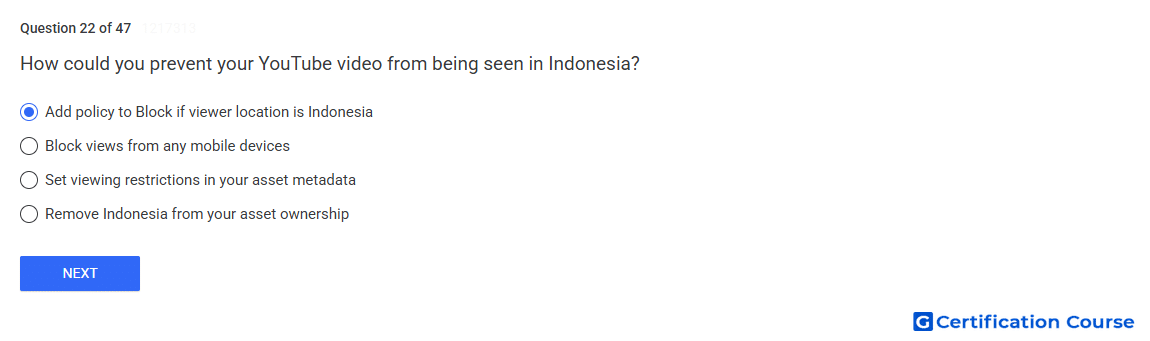
Question: How could you prevent your YouTube video from being seen in Indonesia?
- Set viewing restrictions in your asset metadata
- Remove Indonesia from your asset ownership
- Block views from any mobile devices
- Add policy to Block if viewer location is Indonesia
Explanation
Applying a policy to Block if viewer location is Indonesia leverages geo-restriction settings within the Content ID and YouTube Studio tools. This ensures the video is inaccessible to users in the specified region while remaining available elsewhere. The system enforces this restriction at the delivery level, preventing both desktop and mobile views. Geo-blocking is applied at the asset policy level, which controls visibility based on the viewer’s IP address. This method is the official mechanism to manage regional access.
Why the other options are incorrect
Set viewing restrictions in your asset metadata – metadata alone does not enforce regional blocking.
Remove Indonesia from your asset ownership – ownership settings do not control geographic availability.
Block views from any mobile devices – device blocking does not restrict access by country.
Source for verification
https://support.google.com/youtube/answer/2797381
The answer(s) to the question is highlighted in the BOLD text above. You can also find more questions and answers related to the exams on the "YouTube Asset Monetization" page.