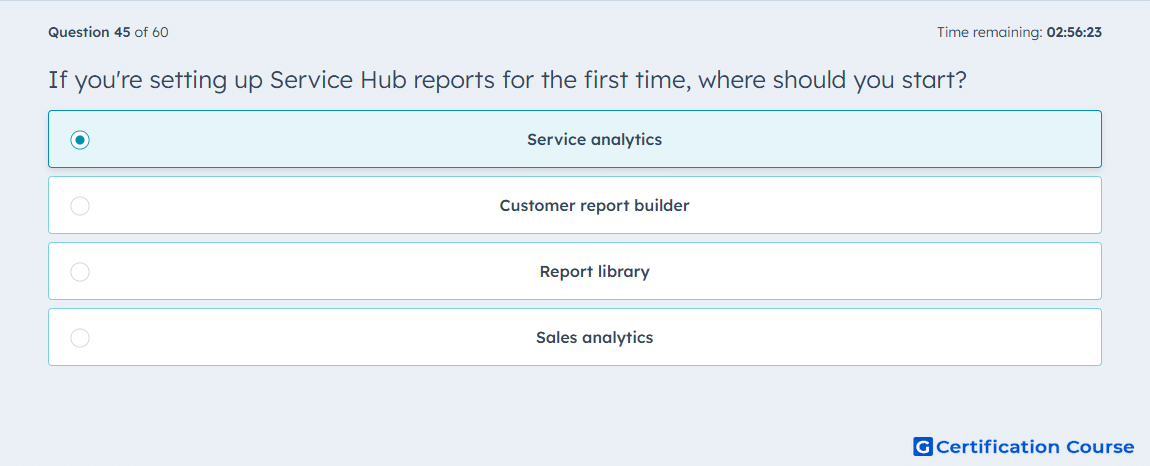
Question: If you're setting up Service Hub reports for the first time, where should you start?
- Service analytics
- Customer report builder
- Report library
- Sales analytics
Explanation
Service analytics provides pre-built, out-of-the-box reports for users setting up HubSpot Service Hub reporting for the first time. These dashboards track tickets, agent activity, and customer interactions without requiring custom configuration. It offers immediate insights into customer support performance and helps teams understand key metrics before creating tailored reports.
Why the other options are incorrect
Customer report builder: Used for creating custom reports, not ideal for first-time setup.
Report library: Contains existing reports but does not provide a starting point.
Sales analytics: Focuses on sales metrics, not service performance.
Source for verification
HubSpot Service Analytics Overview
The answer(s) to the question is highlighted in the BOLD text above. You can also find more questions and answers related to the exams on the "HubSpot Service Hub Software Certification" page.