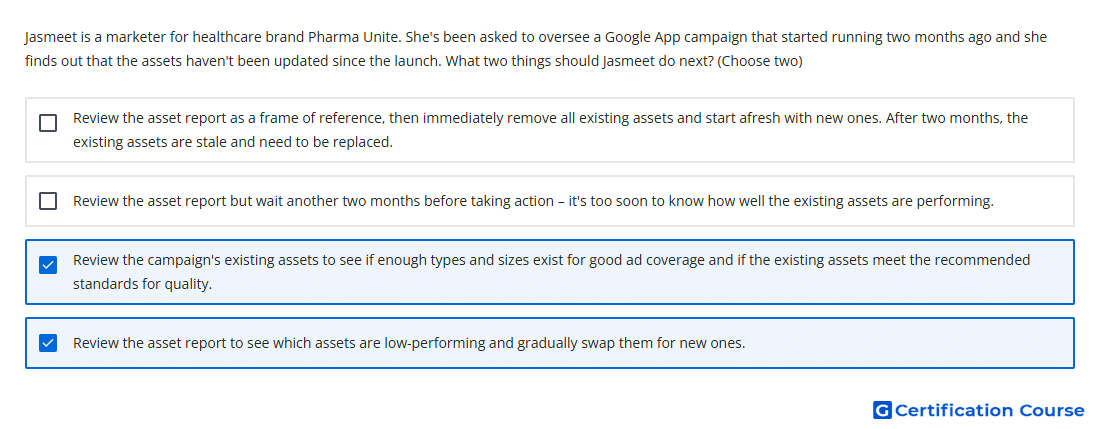
Question: Jasmeet is a marketer for healthcare brand Pharma Unite. She's been asked to oversee a Google App campaign that started running two months ago and she finds out that the assets haven't been updated since the launch. What two things should Jasmeet do next? (Choose two)
- Review the campaign's existing assets to see if enough types and sizes exist for good ad coverage and if the existing assets meet the recommended standards for quality.
- Review the asset report but wait another two months before taking action – it's too soon to know how well the existing assets are performing.
- Review the asset report to see which assets are low-performing and gradually swap them for new ones.
- Review the asset report as a frame of reference, then immediately remove all existing assets and start afresh with new ones. After two months, the existing assets are stale and need to be replaced.
Explanation
Asset reporting shows how each creative asset performs relative to other assets of the same type in App campaigns. Assets with enough data can receive ratings such as Low, Good, or Best, which helps guide creative optimization. Reviewing asset variety and quality helps confirm that the campaign has enough eligible formats for broad ad coverage. Low-performing assets should be replaced gradually so the campaign can continue learning without sudden performance disruption.
Why the other options are incorrect
Wait another two months Two months is enough time to review available asset performance signals and take measured action.
Remove all existing assets Replacing every asset at once can disrupt optimization and remove assets that may still be useful.
Source for verification
https://support.google.com/google-ads/answer/6310436?hl=en
https://support.google.com/google-ads/answer/6167158?hl=en
The answer(s) to the question is highlighted in the BOLD text above. You can also find more questions and answers related to the exams on the "Google Ads Apps Assessment" page.