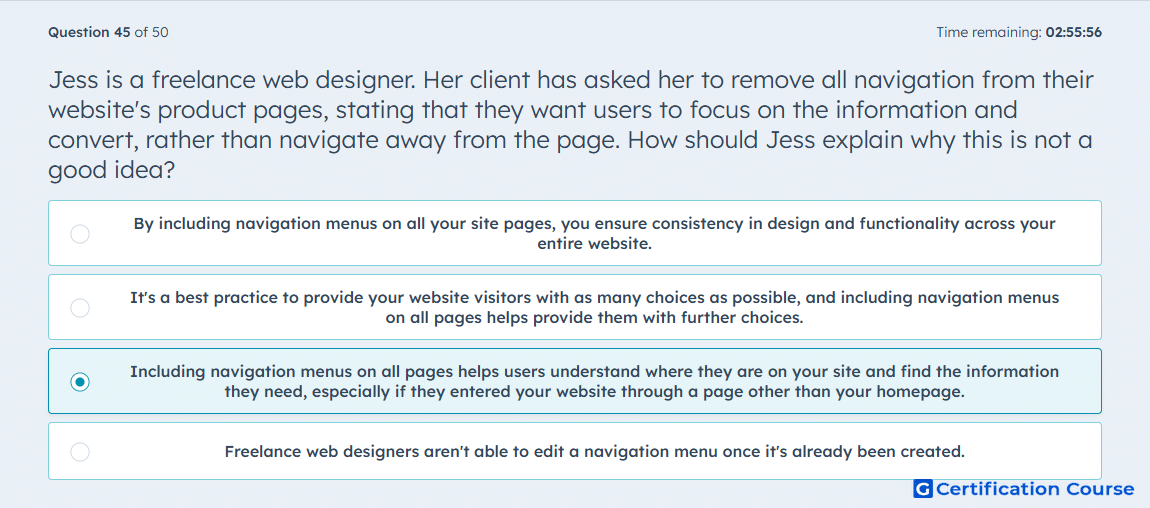
Question: Jess is a freelance web designer. Her client has asked her to remove all navigation from their website's product pages, stating that they want users to focus on the information and convert, rather than navigate away from the page. How should Jess explain why this is not a good idea?
- By including navigation menus on all your site pages, you ensure consistency in design and functionality across your entire website.
- It's a best practice to provide your website visitors with as many choices as possible, and including navigation menus on all pages helps provide them with further choices.
- Including navigation menus on all pages helps users understand where they are on your site and find the information they need, especially if they entered your website through a page other than your homepage.
- Freelance web designers aren't able to edit a navigation menu once it's already been created.
Explanation
Website navigation supports user orientation by helping visitors understand where they are and where they can go next. In HubSpot website optimization, consistent navigation menus reduce friction for visitors who enter through internal pages instead of the homepage. Removing navigation can make product pages feel like dead ends and prevent users from finding supporting information. A clear navigation structure helps visitors continue exploring while still allowing the page content and conversion path to stay focused.
Why the other options are incorrect
Consistency only is incorrect because consistency matters, but the stronger reason is helping visitors orient themselves and find needed information.
More choices is incorrect because adding as many choices as possible can create friction and distract from user goals.
Freelance editing limitation is incorrect because the issue is user experience, not whether a designer can edit a menu.
Source for verification
https://knowledge.hubspot.com/website-pages/manage-your-site-navigation-menu
The answer(s) to the question is highlighted in the BOLD text above. You can also find more questions and answers related to the exams on the "HubSpot Inbound Marketing Optimization" page.