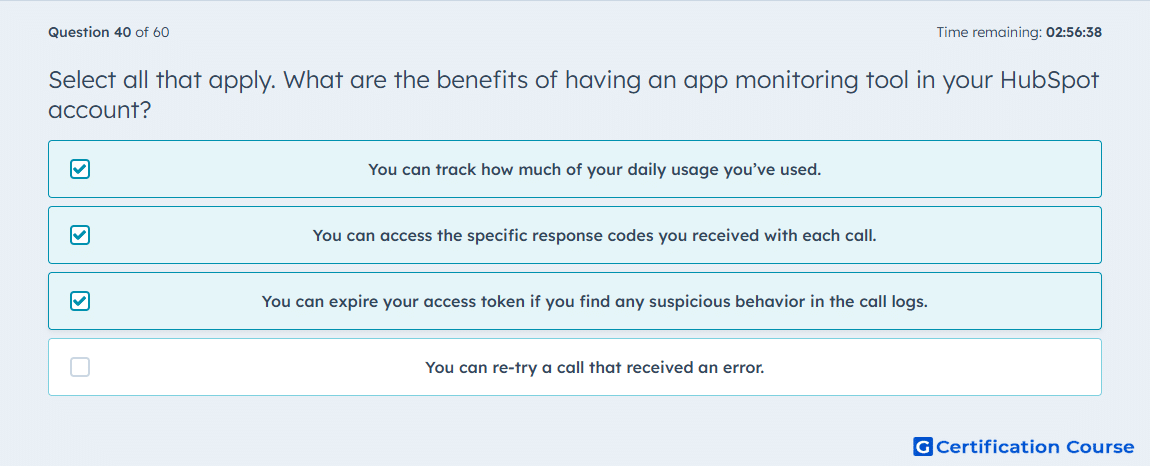
Question: Select all that apply. What are the benefits of having an app monitoring tool in your HubSpot account?
- You can track how much of your daily usage you’ve used.
- You can access the specific response codes you received with each call.
- You can expire your access token if you find any suspicious behavior in the call logs.
- You can re-try a call that received an error.
Explanation
HubSpot’s app monitoring tools help administrators review API usage and troubleshoot integration activity. They can show daily usage so teams can understand how much of their available API rate limit has been consumed. Call logs can also show response codes, which helps identify authentication, permission, validation, or server-side issues. If suspicious activity appears, a private app access token can be rotated or expired to protect account access. App monitoring supports visibility and security, but it does not re-run failed API calls automatically.
Why the other options are incorrect
Re-try a call This is incorrect because monitoring tools show call activity and errors, but they do not automatically retry failed API requests.
Source for verification
https://developers.hubspot.com/docs/apps/legacy-apps/private-apps/overview
https://developers.hubspot.com/docs/developer-tooling/platform/usage-guidelines
The answer(s) to the question is highlighted in the BOLD text above. You can also find more questions and answers related to the exams on the "Integrating With HubSpot I: Foundations" page.