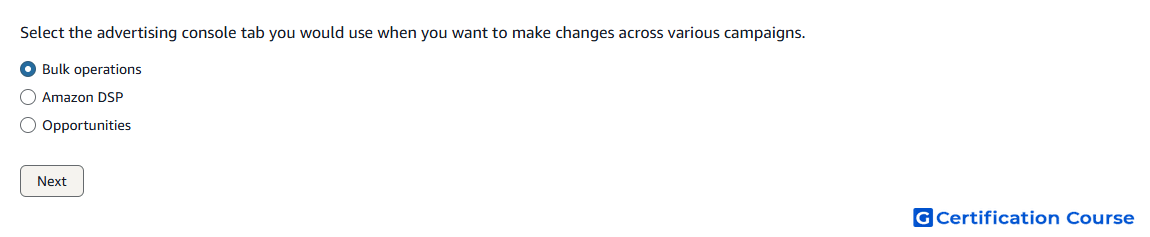
Question: Select the advertising console tab you would use when you want to make changes across various campaigns.
- Opportunities
- Bulk operations
- Amazon DSP
Explanation
Bulk operations is used to make changes across multiple sponsored ads campaigns at scale. It allows advertisers to download campaign data, edit it in bulk, and upload changes back into the advertising console. This is useful when managing many campaigns, ad groups, keywords, bids, or budgets. It reduces manual effort compared with editing each campaign one at a time.
Why the other options are incorrect
Opportunities is incorrect because it provides campaign recommendations, not bulk editing across campaigns.
Amazon DSP is incorrect because it is a separate demand-side platform, not the advertising console tab for sponsored ads bulk changes.
Source for verification
https://advertising.amazon.com/API/docs/en-us/bulksheets/2-0/overview-about-bulksheets
The answer(s) to the question is highlighted in the BOLD text above. You can also find more questions and answers related to the exams on the "Amazon Sponsored Ads Certification" page.