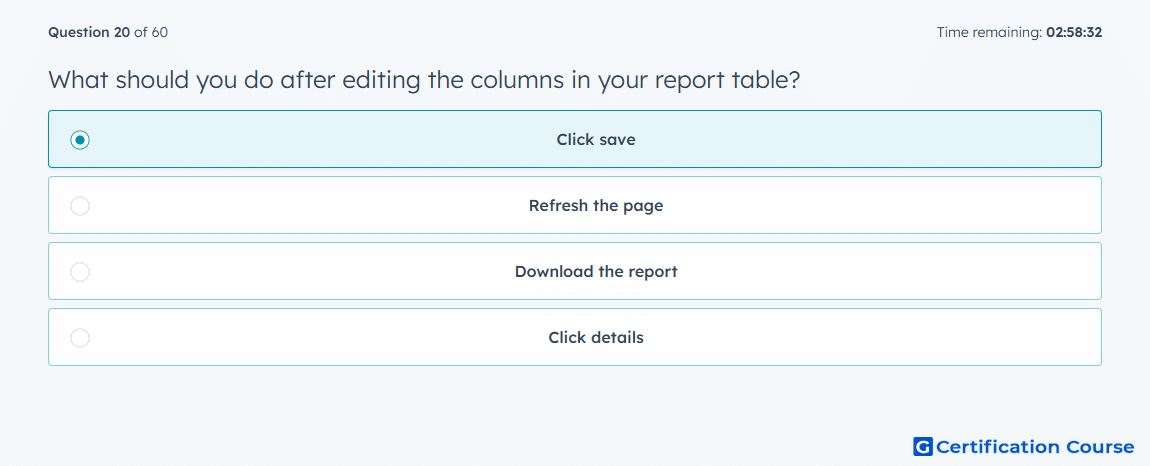
Question: What should you do after editing the columns in your report table?
- Click save
- Refresh the page
- Download the report
- Click details
Explanation
Saving preserves the updated report table configuration for future analysis. In Amazon Ads terminology, campaign reporting depends on selected metrics, dimensions, and views to support consistent performance review. After editing columns, saving ensures the chosen table layout remains available instead of being lost. This helps maintain a repeatable reporting workflow for ongoing optimization.
Why the other options are incorrect
Refresh the page is incorrect because refreshing may discard unsaved table changes.
Download the report is incorrect because downloading exports data but does not save the table configuration.
Details is incorrect because details provide more information but do not preserve edited columns.
Source for verification
https://advertising.amazon.com/measurement-analytics/campaign-reporting
https://advertising.amazon.com/API/docs/en-us/guides/reporting/dsp/get-started
The answer(s) to the question is highlighted in the BOLD text above. You can also find more questions and answers related to the exams on the "HubSpot Content Hub Software Certification" page.