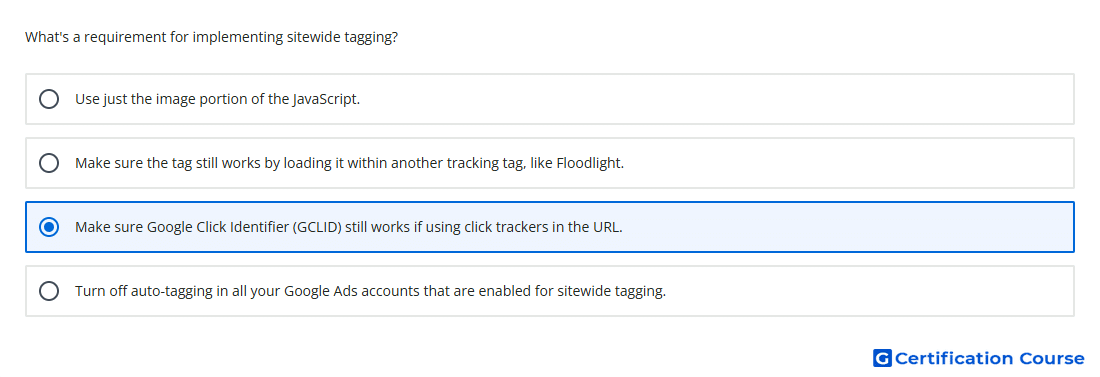
Question: What's a requirement for implementing sitewide tagging?
- Use just the image portion of the JavaScript.
- Make sure the tag still works by loading it within another tracking tag, like Floodlight.
- Make sure Google Click Identifier (GCLID) still works if using click trackers in the URL.
- Turn off auto-tagging in all your Google Ads accounts that are enabled for sitewide tagging.
Explanation
Sitewide tagging relies on the Google Click Identifier (GCLID) to connect ad clicks with later website conversions. When click trackers or redirects are used, the identifier must pass through to the final landing page. If the identifier is stripped, Google Ads may lose the ability to attribute conversions accurately. Keeping auto-tagging enabled allows Google Ads to append the identifier needed for conversion tracking.
Why the other options are incorrect
Floodlight is not required to load or validate a Google Ads sitewide tag.
Turning off auto-tagging is incorrect because auto-tagging is needed to pass the Google Click Identifier (GCLID).
Image-only JavaScript is incorrect because removing JavaScript weakens the sitewide tagging implementation.
Source for verification
https://support.google.com/google-ads/answer/9148089
https://support.google.com/google-ads/answer/9744275
The answer(s) to the question is highlighted in the BOLD text above. You can also find more questions and answers related to the exams on the "Google Ads - Measurement Certification" page.