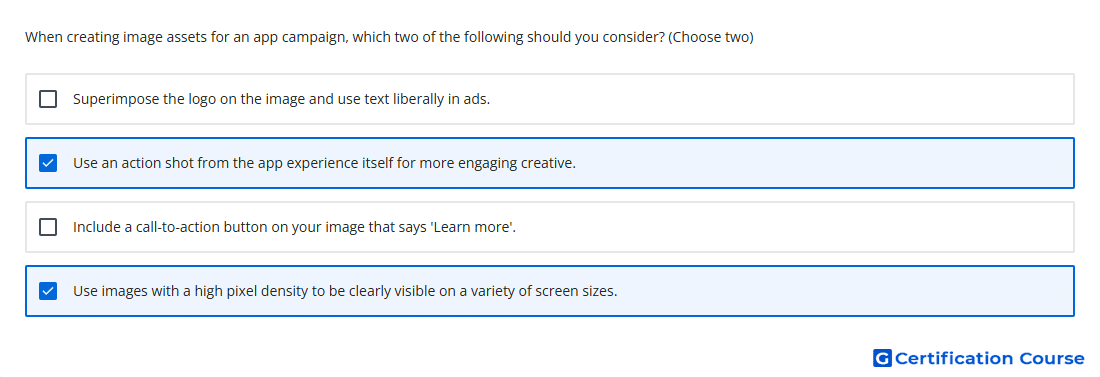
Question: When creating image assets for an app campaign, which two of the following should you consider? (Choose two)
- Use images with a high pixel density to be clearly visible on a variety of screen sizes.
- Include a call-to-action button on your image that says 'Learn more'.
- Superimpose the logo on the image and use text liberally in ads.
- Use an action shot from the app experience itself for more engaging creative.
Explanation
For App campaigns, image assets should help the system generate visually strong ads across different placements and screen sizes. Creative that reflects the app experience gives users a clearer sense of what the app offers and supports more relevant engagement. High-resolution images are important because assets may appear in many formats, so clarity must be maintained across devices. Strong image quality and authentic app-focused visuals improve the usefulness of the asset pool for automated ad creation.
Why the other options are incorrect
C Excessive text and added logo overlays reduce image quality and go against image asset best practices for App campaigns.
D Built-in ad rendering handles calls to action, so placing a manual button inside the image is not recommended.
Source for verification
https://support.google.com/google-ads/answer/6167160?hl=en
https://support.google.com/google-ads/answer/6247380?hl=en
The answer(s) to the question is highlighted in the BOLD text above. You can also find more questions and answers related to the exams on the "Google Ads Apps Assessment" page.