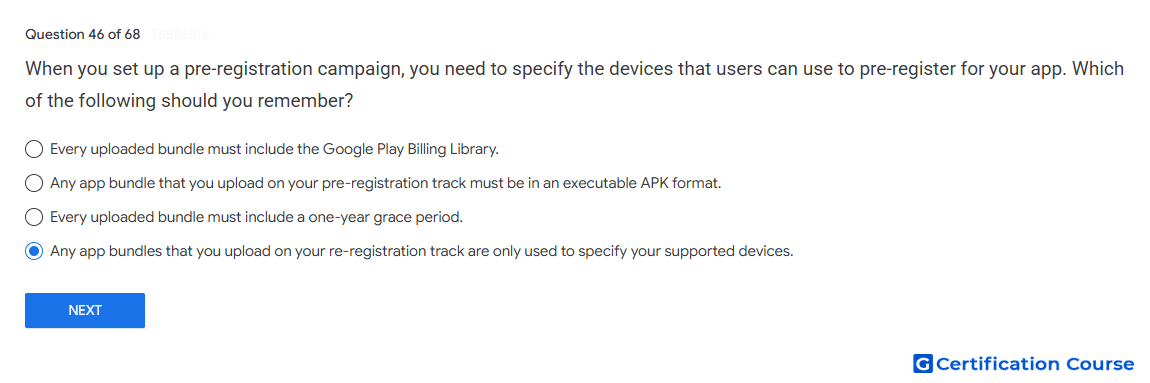
Question: When you set up a pre-registration campaign, you need to specify the devices that users can use to pre-register for your app. Which of the following should you remember?
- Any app bundles that you upload on your re-registration track are only used to specify your supported devices.
- Every uploaded bundle must include the Google Play Billing Library.
- Any app bundle that you upload on your pre-registration track must be in an executable APK format.
- Every uploaded bundle must include a one-year grace period.
Explanation
A pre-registration track app bundle is used only to determine the app’s supported devices for pre-registration. It is not released to users from that track. Google Play uses the uploaded Android App Bundle to identify which devices are eligible to pre-register. If the app includes one-time products, at least one uploaded bundle should include the Google Play Billing Library.
Why the other options are incorrect
Google Play Billing Library This is required only when the app contains one-time products, not for every uploaded bundle.
Executable APK The pre-registration setup uses Android App Bundle files, not executable APK files.
One-year grace period Google Play does not require uploaded bundles to include a one-year grace period.
Source for verification
https://support.google.com/googleplay/android-developer/answer/9859047
The answer(s) to the question is highlighted in the BOLD text above. You can also find more questions and answers related to the exams on the "Google Play Store Listing" page.