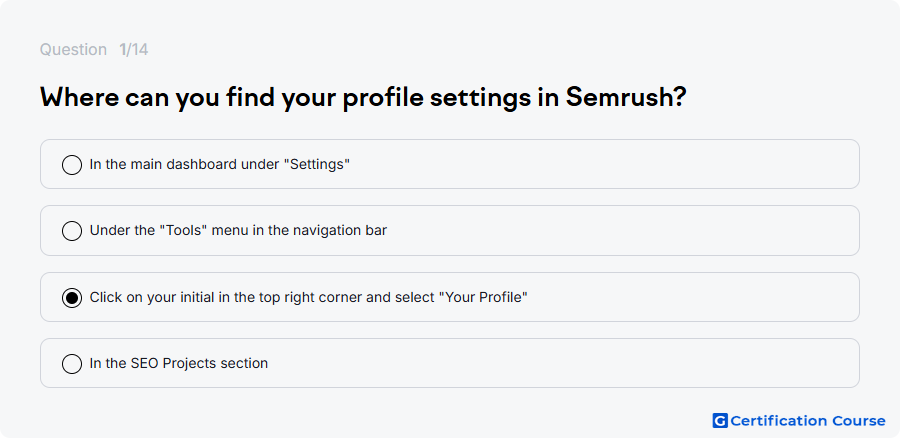
Question: Where can you find your profile settings in Semrush?
- Click on your initial in the top right corner and select "Your Profile"
- In the main dashboard under "Settings"
- Under the "Tools" menu in the navigation bar
- In the SEO Projects section
The answer(s) to the question is highlighted in the BOLD text above. You can also find more questions and answers related to the exams on the "SEMrush SEO Toolkit Crash Course" page.