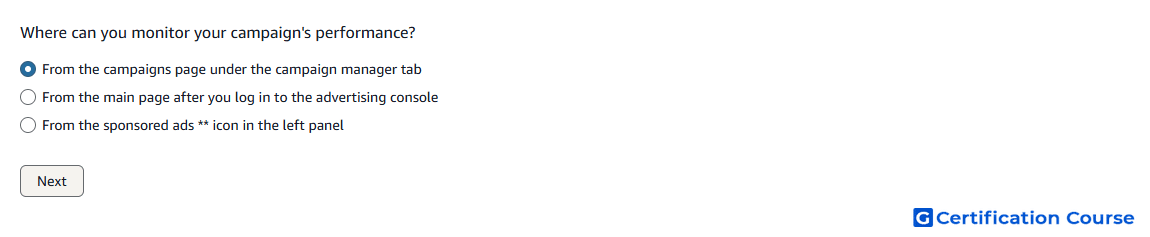
Question: Where can you monitor your campaign's performance?
- From the campaigns page under the campaign manager tab
- From the main page after you log in to the advertising console
- From the sponsored ads ** icon in the left panel
Explanation
The campaigns page under Campaign Manager is used to monitor sponsored ads campaign performance. It shows campaign-level metrics that help advertisers evaluate delivery, spend, and results. Advertisers can review performance trends and make optimization decisions from this area. This page is the main workspace for tracking active campaign activity in the advertising console.
Why the other options are incorrect
Main page is incorrect because it is not the specific campaign performance monitoring area.
Sponsored ads icon is incorrect because it is a navigation entry, not the campaign performance page itself.
Source for verification
https://advertising.amazon.com/library/guides/getting-started-with-sponsored-ads
The answer(s) to the question is highlighted in the BOLD text above. You can also find more questions and answers related to the exams on the "Amazon Sponsored Ads Certification" page.