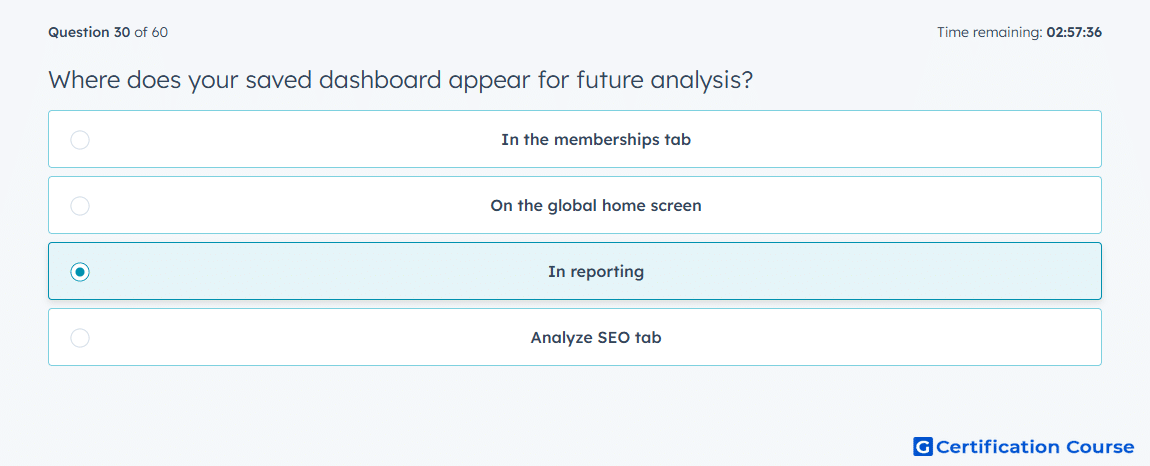
Question: Where does your saved dashboard appear for future analysis?
- In the memberships tab
- On the global home screen
- In reporting
- Analyze SEO tab
Explanation
Saved dashboards belong to the measurement workflow because they are used for future performance analysis. In Amazon DSP, reporting is where advertisers review campaign metrics, evaluate trends, and monitor results. A saved dashboard preserves the selected view so the same metrics can be revisited later. This supports ongoing optimization without rebuilding the analysis setup each time.
Why the other options are incorrect
Memberships tab is incorrect because memberships relate to access control, not saved performance views.
Global home screen is incorrect because a home screen is not the dedicated place for campaign analysis.
Analyze SEO tab is incorrect because SEO analysis is not an Amazon DSP dashboard location.
Source for verification
https://advertising.amazon.com/API/docs/en-us/guides/reporting/dsp/get-started
https://advertising.amazon.com/measurement-analytics
The answer(s) to the question is highlighted in the BOLD text above. You can also find more questions and answers related to the exams on the "HubSpot Content Hub Software Certification" page.