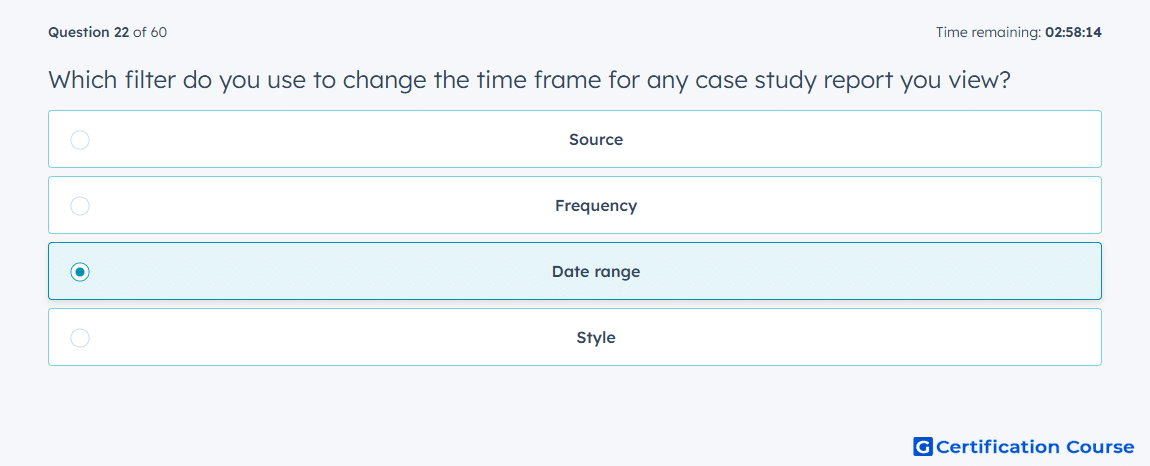
Question: Which filter do you use to change the time frame for any case study report you view?
- Source
- Frequency
- Date range
- Style
Explanation
Date range controls the reporting period used to view performance data. In Amazon Ads reporting workflows, report results are generated from selected start and end dates. This filter helps compare case study performance across specific time windows. Other filters may adjust source, frequency, or presentation style, but they do not define the reporting time frame.
Why the other options are incorrect
Source is incorrect because it identifies where data comes from, not the reporting period.
Frequency is incorrect because it controls how often reporting may be grouped or delivered, not the viewed time window.
Style is incorrect because it relates to presentation, not report timing.
Source for verification
https://advertising.amazon.com/API/docs/en-us/guides/reporting/dsp/get-started
https://advertising.amazon.com/API/docs/en-us/guides/reporting/dsp/faq
The answer(s) to the question is highlighted in the BOLD text above. You can also find more questions and answers related to the exams on the "HubSpot Content Hub Software Certification" page.