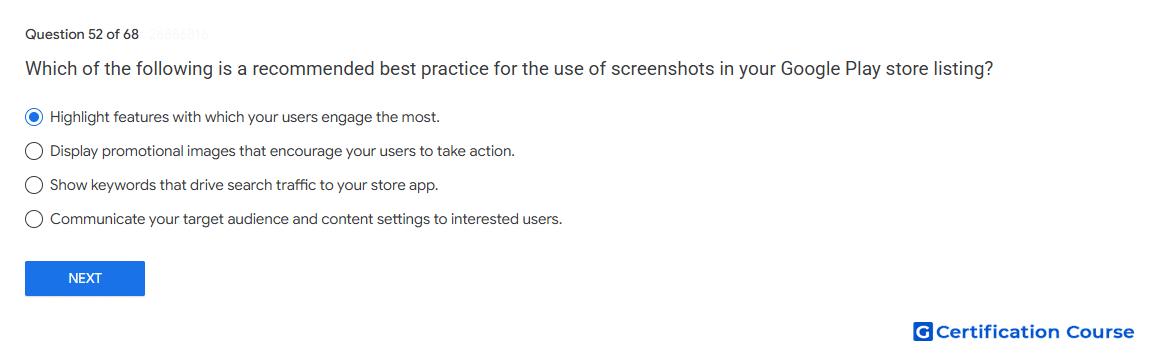
Question: Which of the following is a recommended best practice for the use of screenshots in your Google Play store listing?
- Highlight features with which your users engage the most.
- Display promotional images that encourage your users to take action.
- Show keywords that drive search traffic to your store app.
- Communicate your target audience and content settings to interested users.
Explanation
Screenshots should show important in-app experiences that help users understand the app or game. Google Play recommends using screenshots to highlight core features and content that users value most. Effective preview assets communicate the actual app experience instead of relying on promotional wording. This helps users make an informed install decision from the store listing.
Why the other options are incorrect
Promotional images Promotional calls to action are not recommended for screenshots.
Search keywords Screenshots should show app experiences, not keyword blocks for search visibility.
Target audience and content settings These settings are declared in Play Console and are not the purpose of screenshots.
Source for verification
https://support.google.com/googleplay/android-developer/answer/9866151
The answer(s) to the question is highlighted in the BOLD text above. You can also find more questions and answers related to the exams on the "Google Play Store Listing" page.