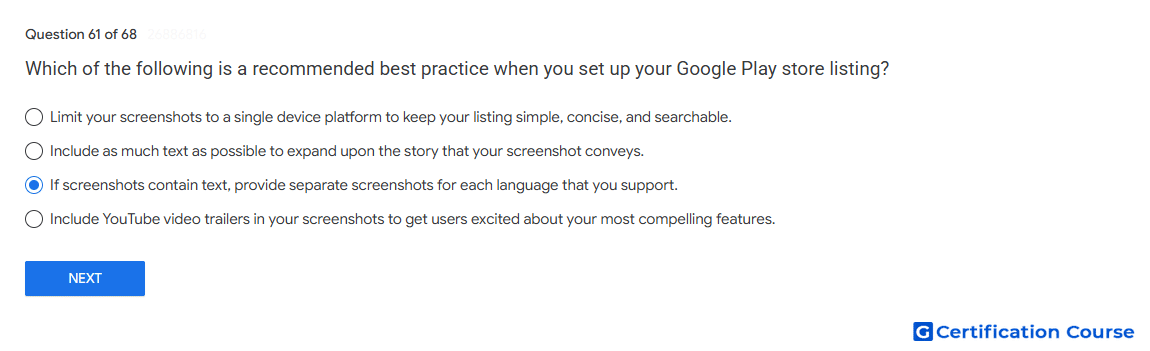
Question: Which of the following is a recommended best practice when you set up your Google Play store listing?
- If screenshots contain text, provide separate screenshots for each language that you support.
- Limit your screenshots to a single device platform to keep your listing simple, concise, and searchable.
- Include as much text as possible to expand upon the story that your screenshot conveys.
- Include YouTube video trailers in your screenshots to get users excited about your most compelling features.
Explanation
Google Play recommends localized screenshots when screenshot text appears in the listing. Text in screenshots should match each supported language so users can understand the app experience clearly. This is part of store listing localization and helps keep visual assets consistent with translated listing text. Localized screenshots also support better presentation across the languages the app supports.
Why the other options are incorrect
Single device platform Screenshots should represent supported device platforms, not be limited to one platform for simplicity.
As much text as possible Screenshot text should be limited because preview assets need to be clear and easy to understand.
YouTube video trailers Promo videos are added separately as promo video assets, not embedded inside screenshots.
Source for verification
https://support.google.com/googleplay/android-developer/answer/13393723
https://support.google.com/googleplay/android-developer/answer/9866151
The answer(s) to the question is highlighted in the BOLD text above. You can also find more questions and answers related to the exams on the "Google Play Store Listing" page.