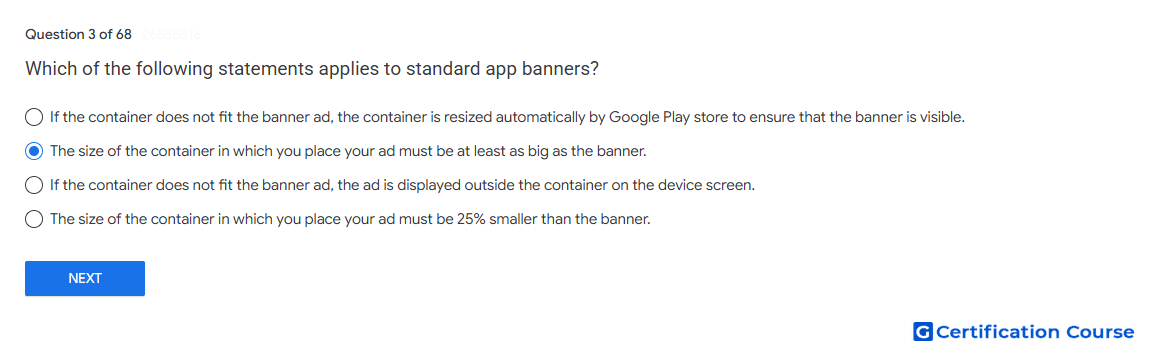
Question: Which of the following statements applies to standard app banners?
- The size of the container in which you place your ad must be at least as big as the banner.
- If the container does not fit the banner ad, the container is resized automatically by Google Play store to ensure that the banner is visible.
- If the container does not fit the banner ad, the ad is displayed outside the container on the device screen.
- The size of the container in which you place your ad must be 25% smaller than the banner.
Explanation
A banner ad must fit within the app layout area reserved for it. Google’s fixed-size banner guidance states that the container must be large enough for the selected AdSize. Padding reduces usable space, so it can prevent the ad from showing even when the outer container appears large enough. When there is insufficient space, the Google Mobile Ads SDK does not force the ad into the layout.
Why the other options are incorrect
Automatic resizing Google does not automatically enlarge the app’s container to make the banner fit.
Outside-container display A banner ad is not rendered outside the layout container when space is insufficient.
Smaller container The container cannot be smaller than the selected AdSize because the ad may not be shown.
Source for verification
https://developers.google.com/admob/android/banner/fixed-size
The answer(s) to the question is highlighted in the BOLD text above. You can also find more questions and answers related to the exams on the "Google Play Store Listing" page.